
Comp 220 - Computer Organization (Spring 2026)
Introductory Information
- Syllabus.
- Canvas site.
- Dive into Systems - online book for introductory explanations of some course content.
- MARS - MIPS Assembler and Runtime Simulator; IDE for running MIPS/SPIM. From our friends at Missouri State University.
- Compiler Explorer - see what your C++ code looks like in Assembly.
- Computer for sale!
- 2026 Dell Pro 16 laptop
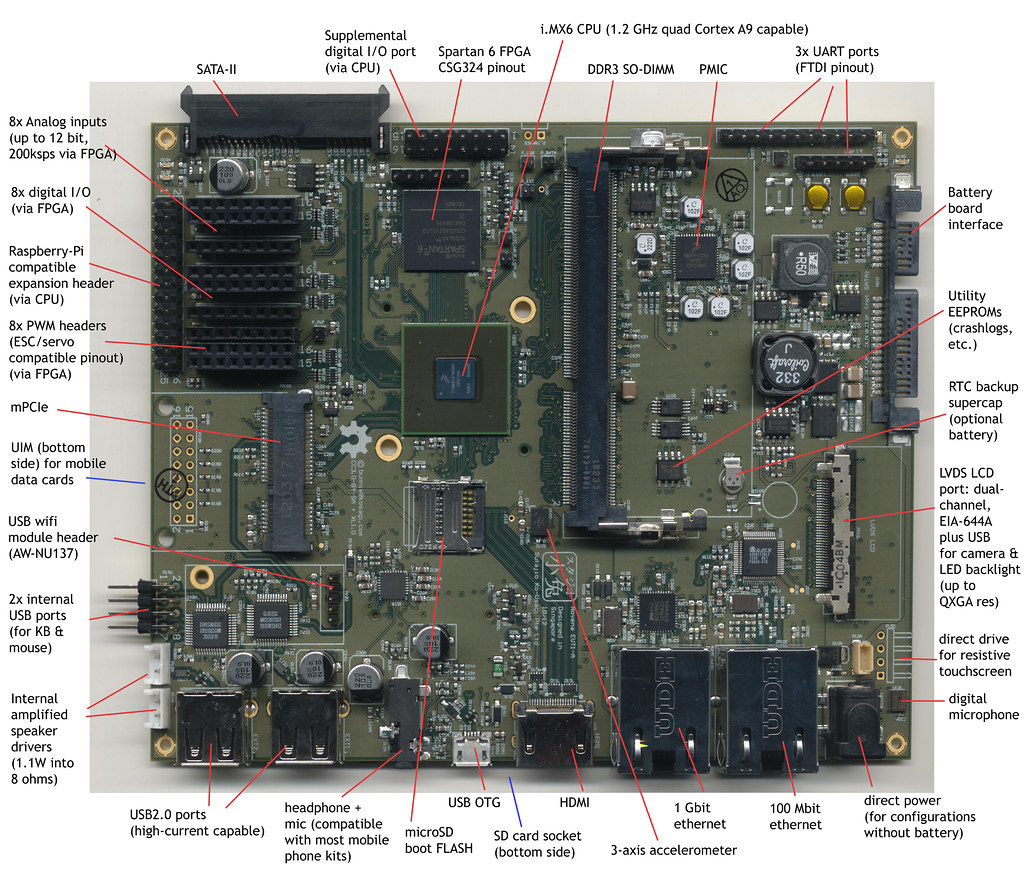
- Image of laptop motherboard - with labels
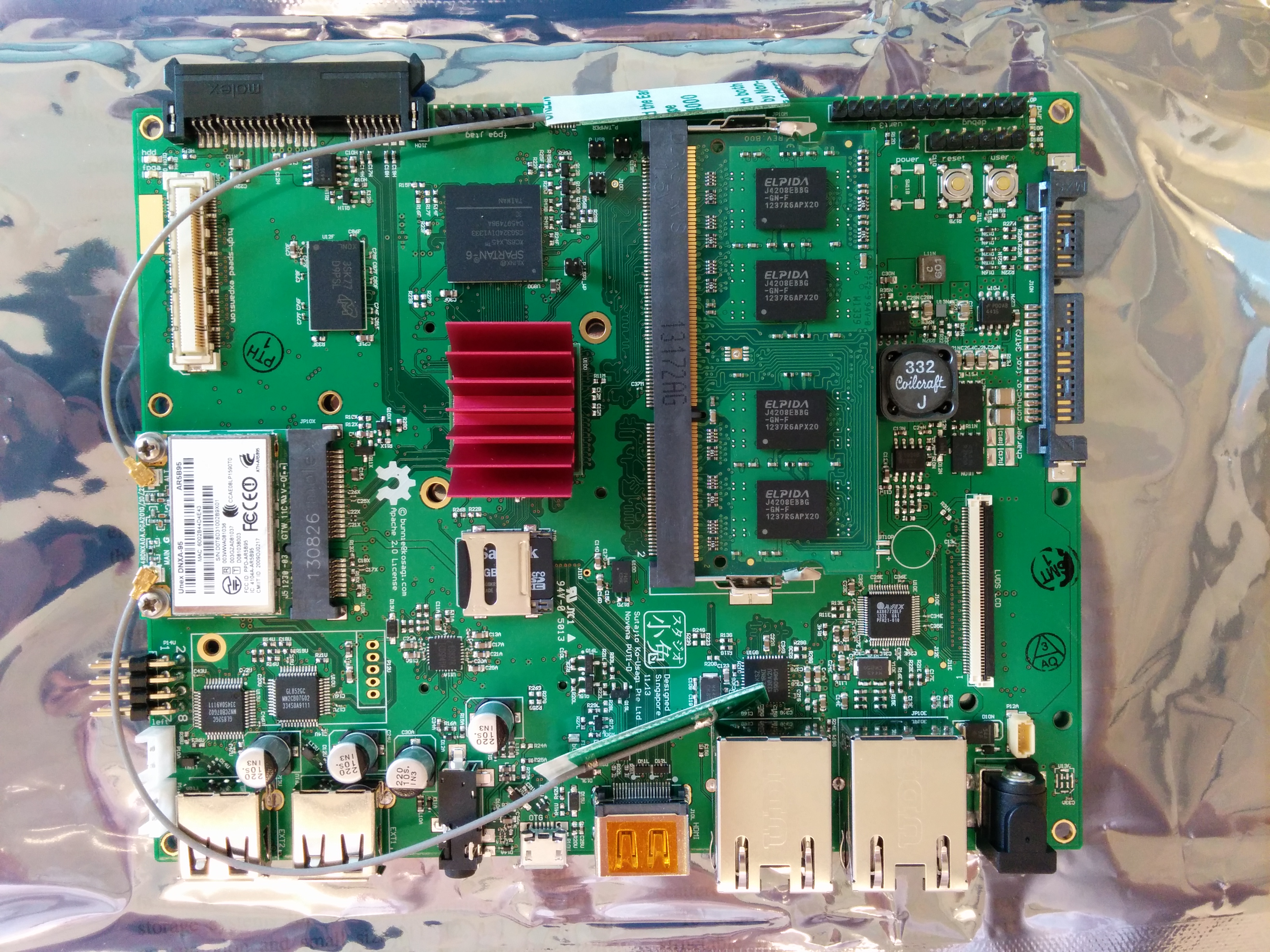
- Image of another laptop motherboard - no labels
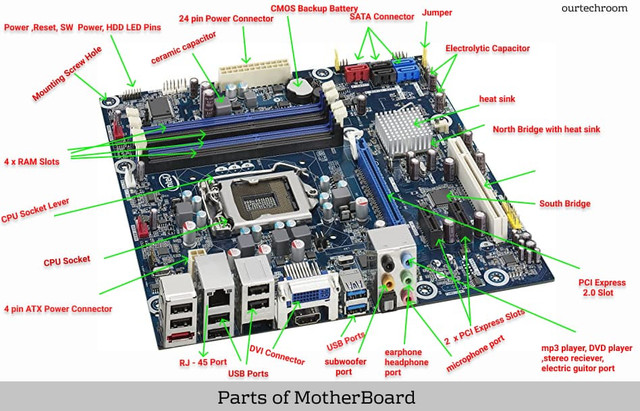
- Simpler parts of motherboard - with labels
- How transistors work - short YouTube video.
- Cosmic Rays Can Flip Bits! - video on how cosmic rays can impact ICs due to the latter's increasingly tiny size.
Text Diagrams and More
- Figures from Chapter 3 (Arithmetic).
- Figures from Appendix B (Circuits).
- Logisim 2.7.1 - circuit simulator (Java JAR file).
- Figures from Chapter 4 (Data Path).
- Figures from Chapter 5.
Fun Images (??)
Photos from the Arithmeum Museum in Bonn, Germany.
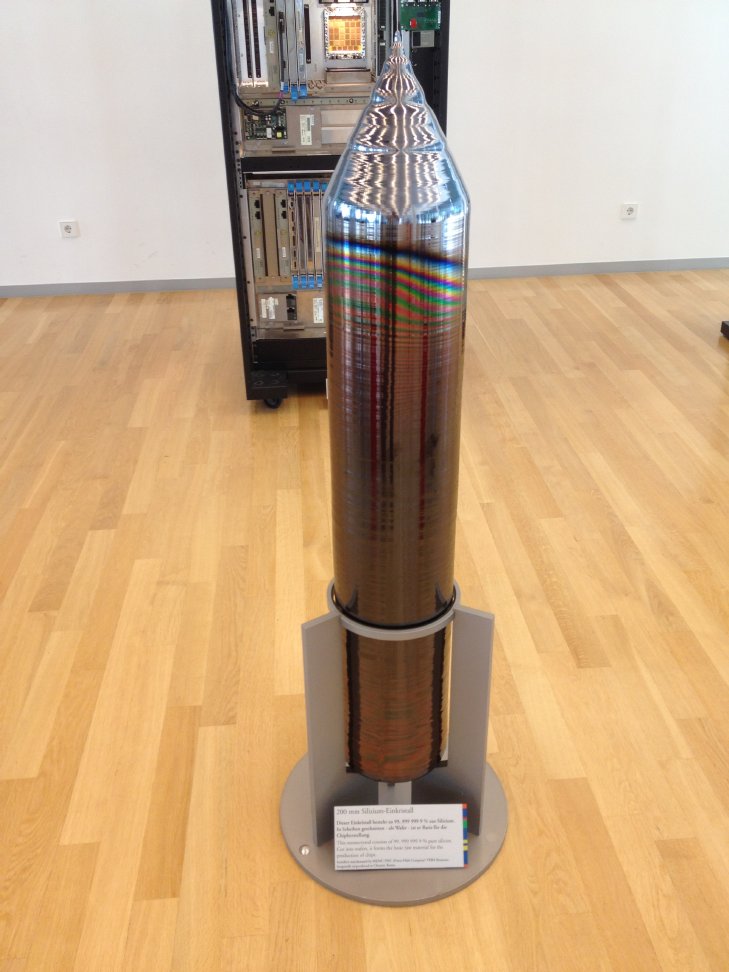
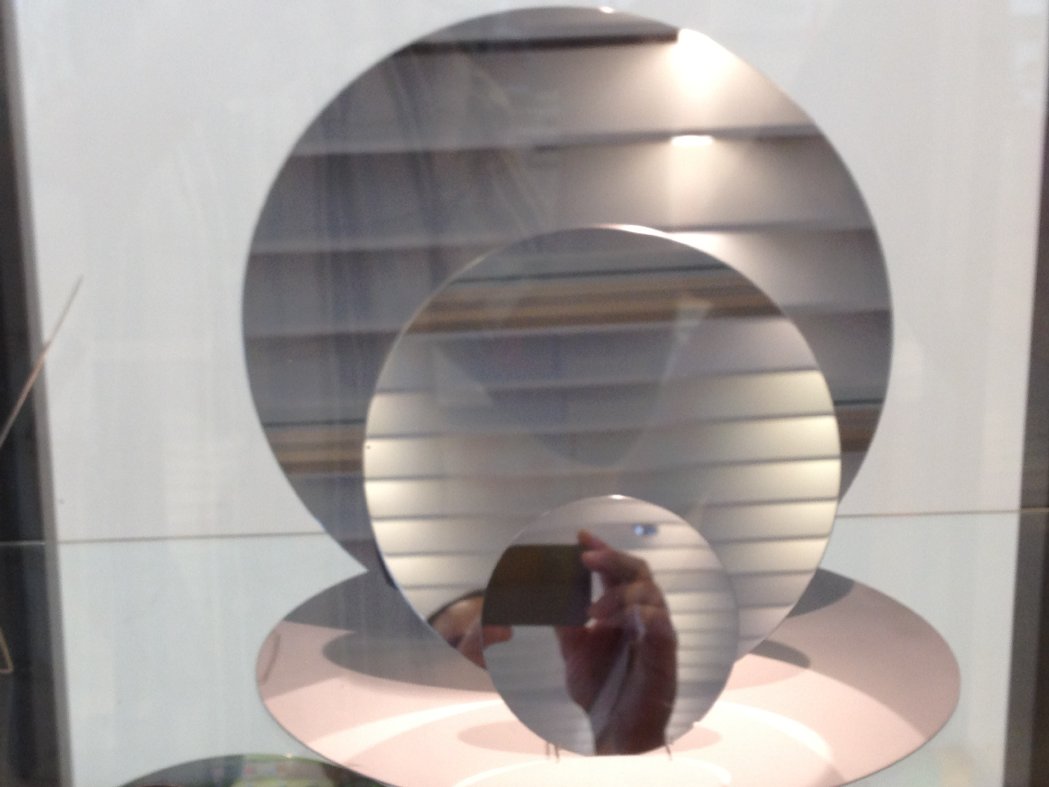
- 99.9999999% pure silicon crystal
- Silicon wafers, and self portrait
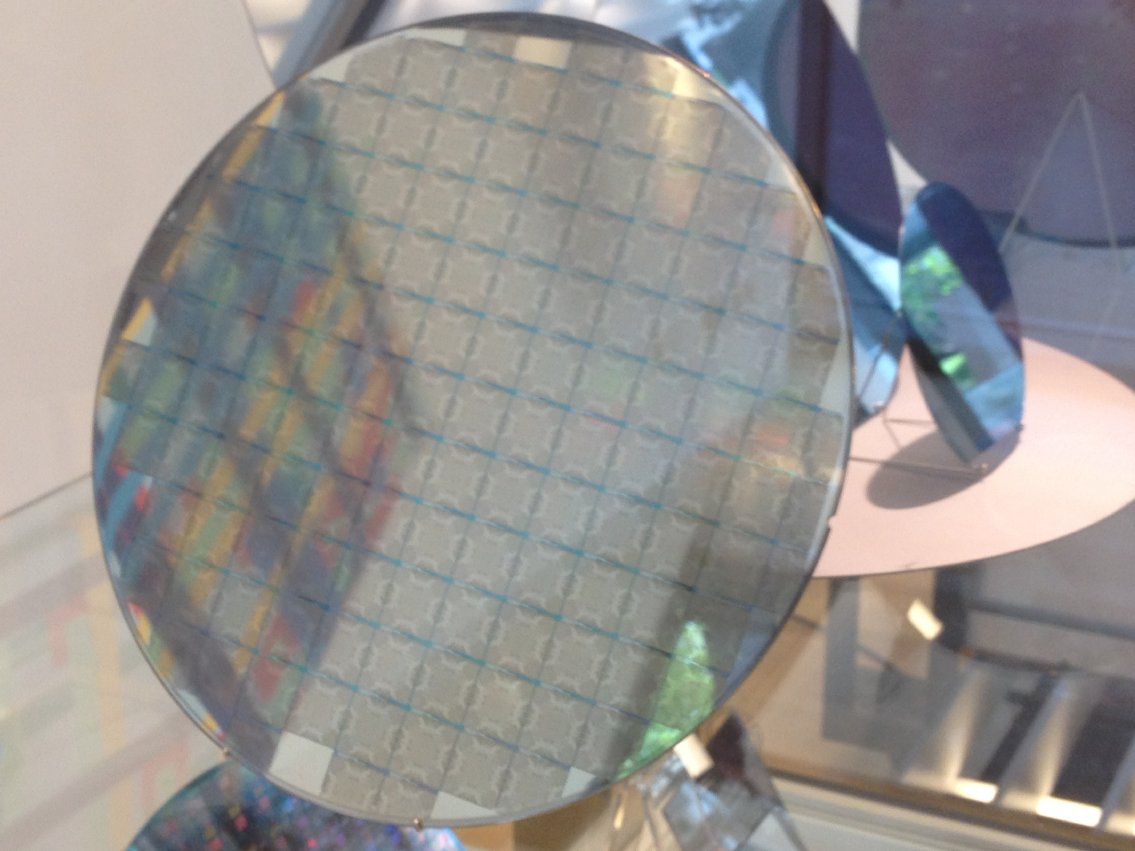
- Chips on a wafer
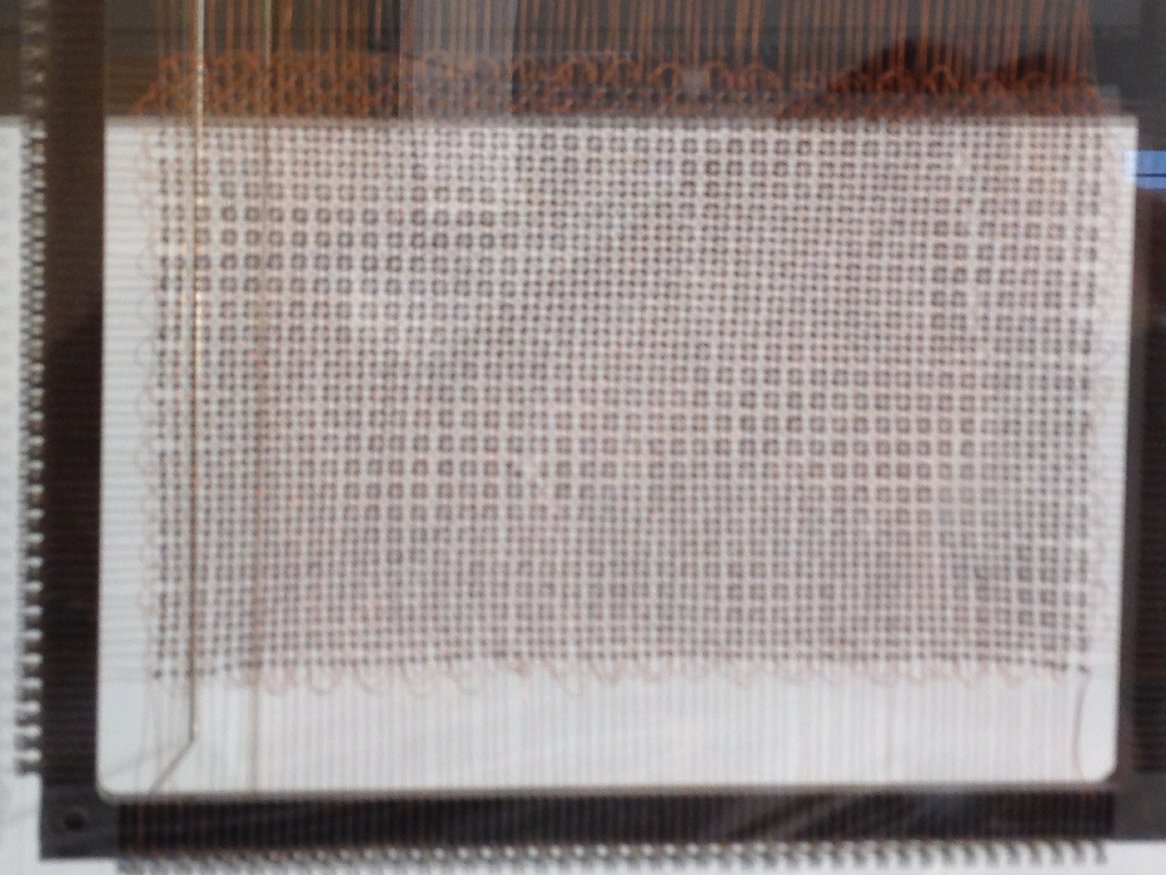
- This IS your father's memory (magnetic core memory; 10000 bit capacity)
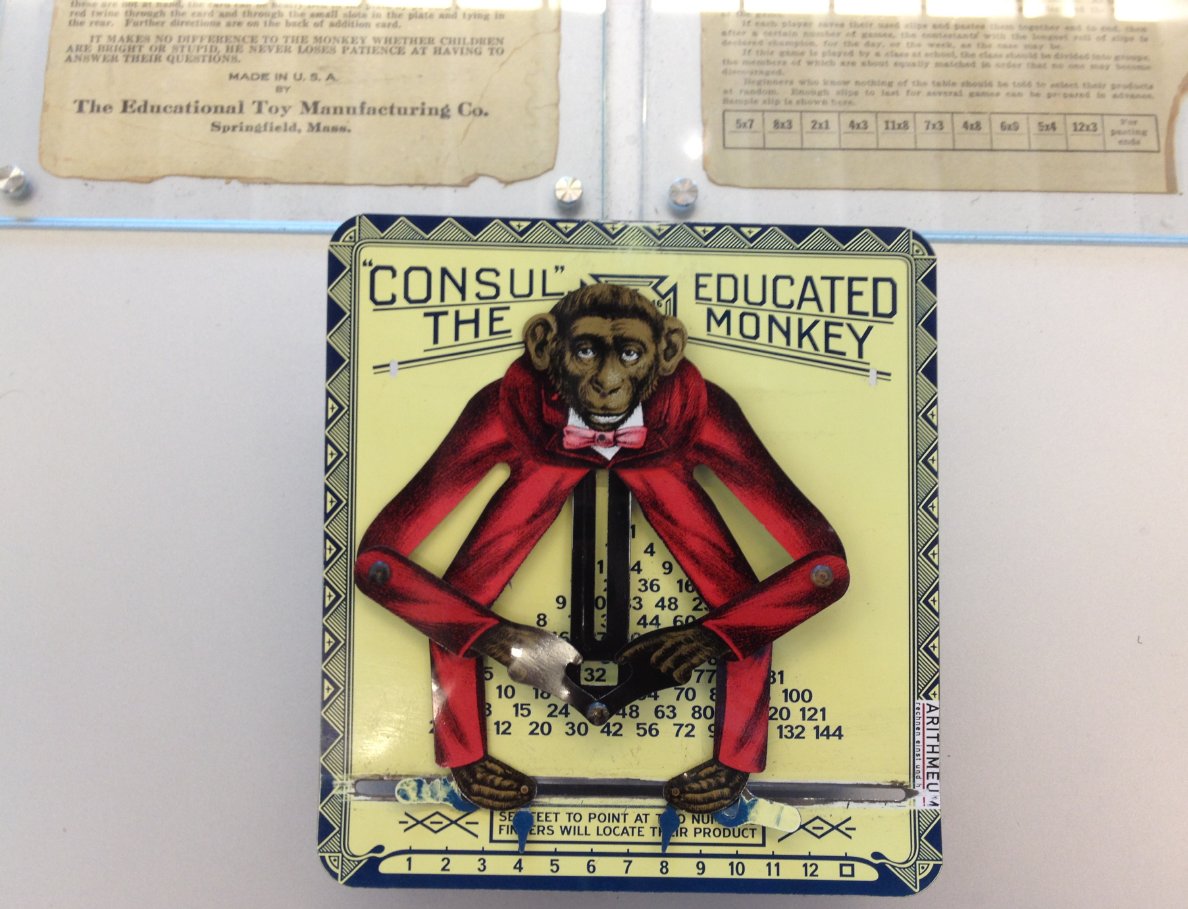
- So easy, a monkey can do it! (check out the text from the original instructions in upper left)
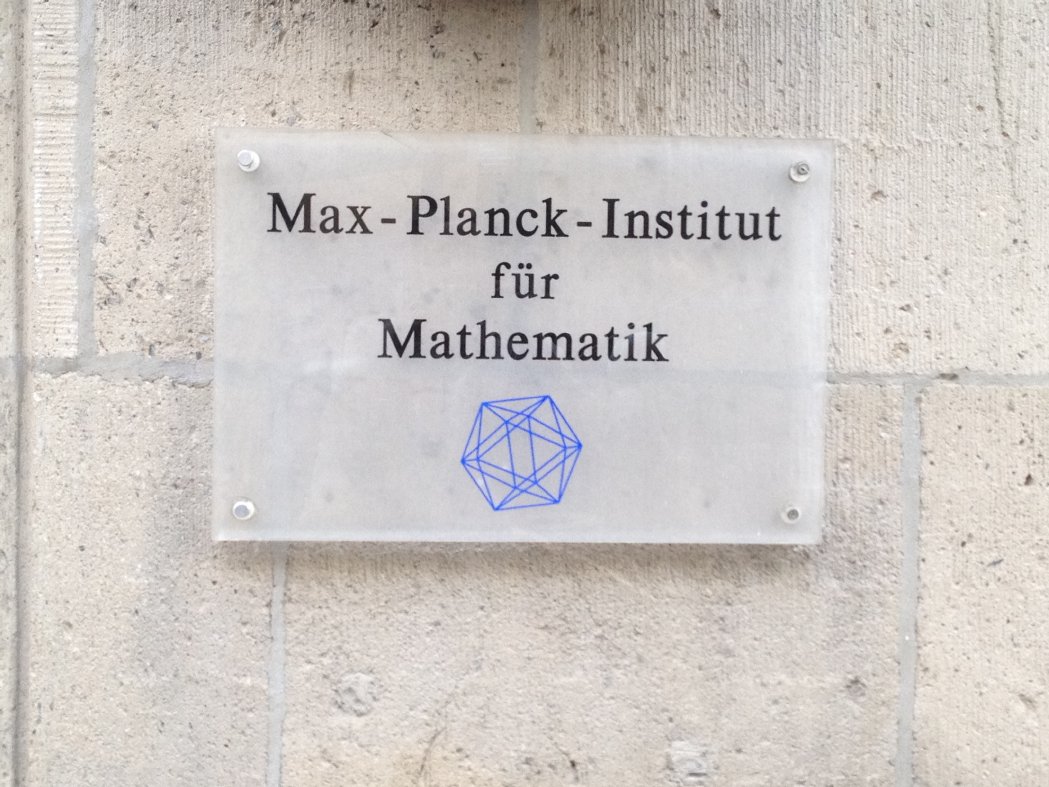
- As exciting as it gets for a mathematician
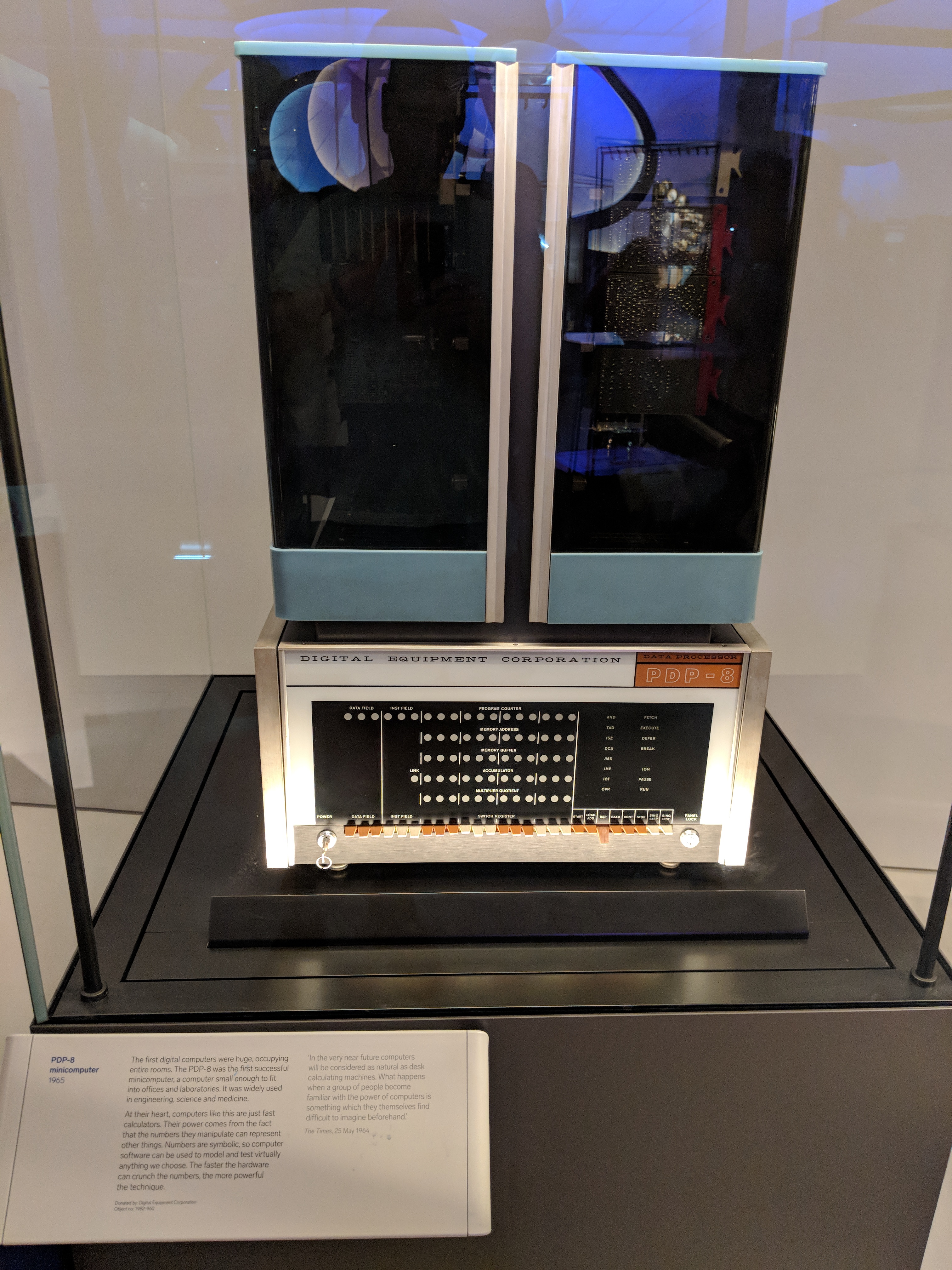
And more from the London Science Museum.
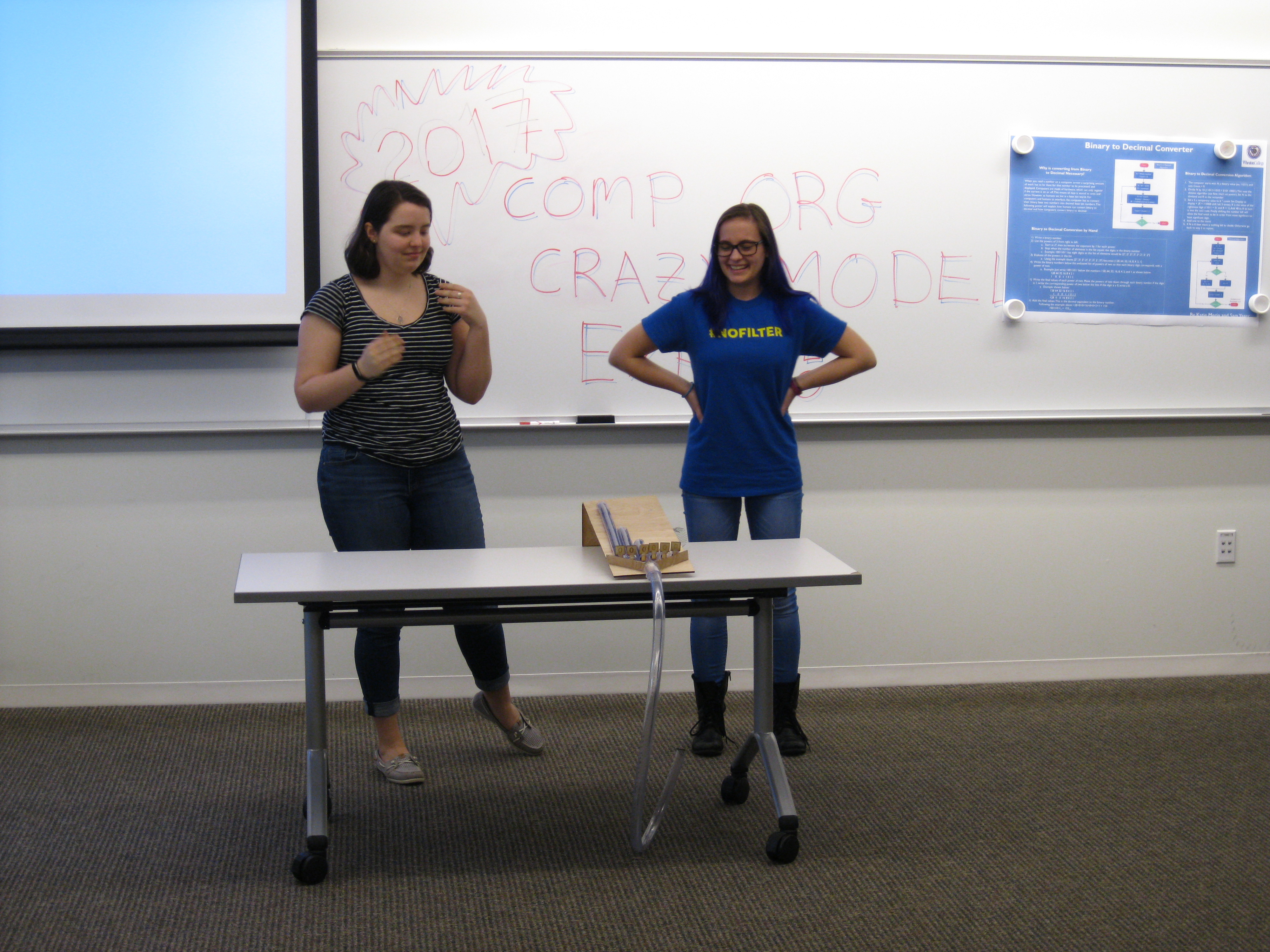
Crazy Model Expo through the years...
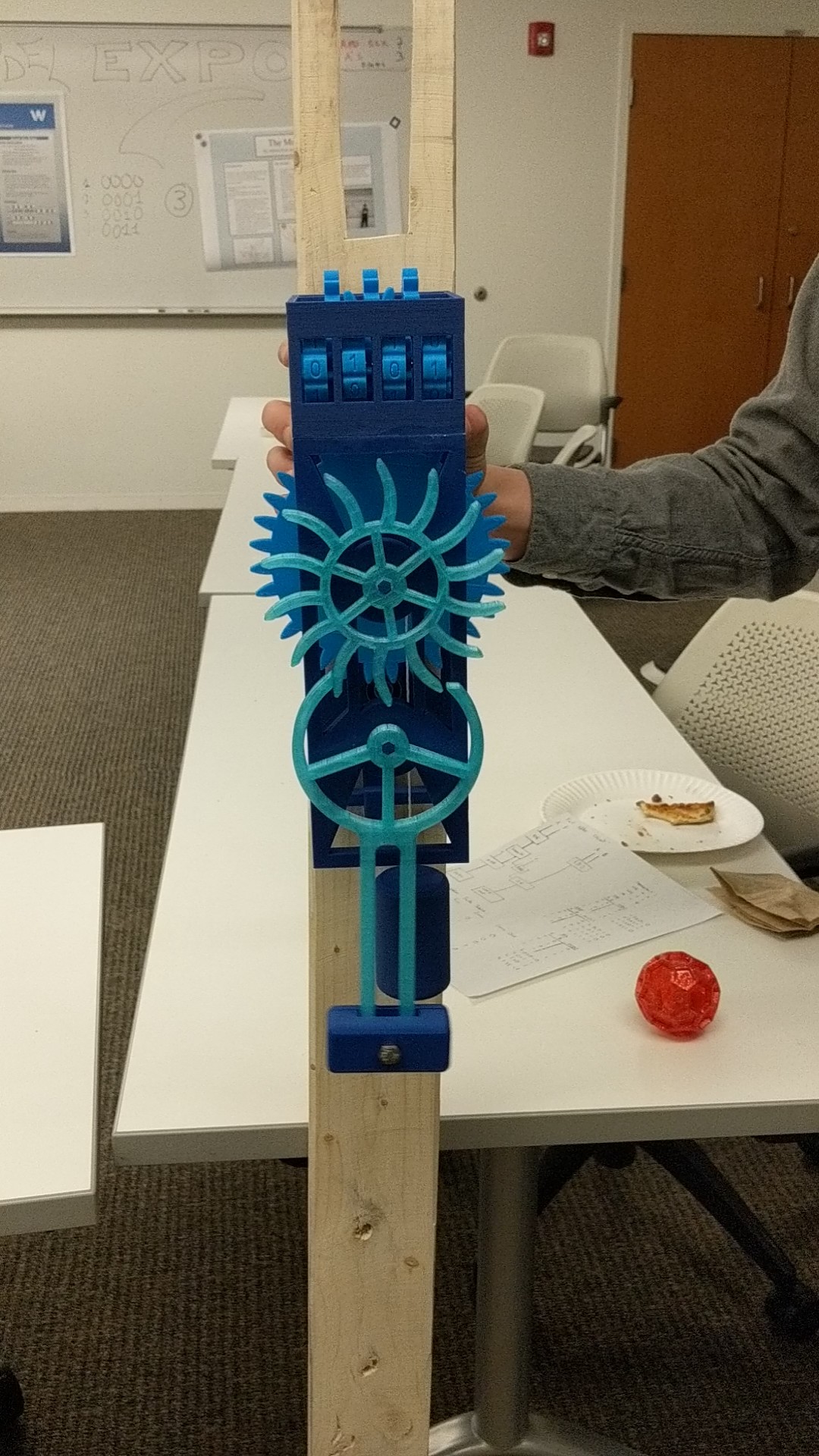
- Rube Goldberg? - no, it's a portion of the CPU!
- Katie and Sam showing a binary counter.
- Eammon's slightly more sophisticated binary counter.
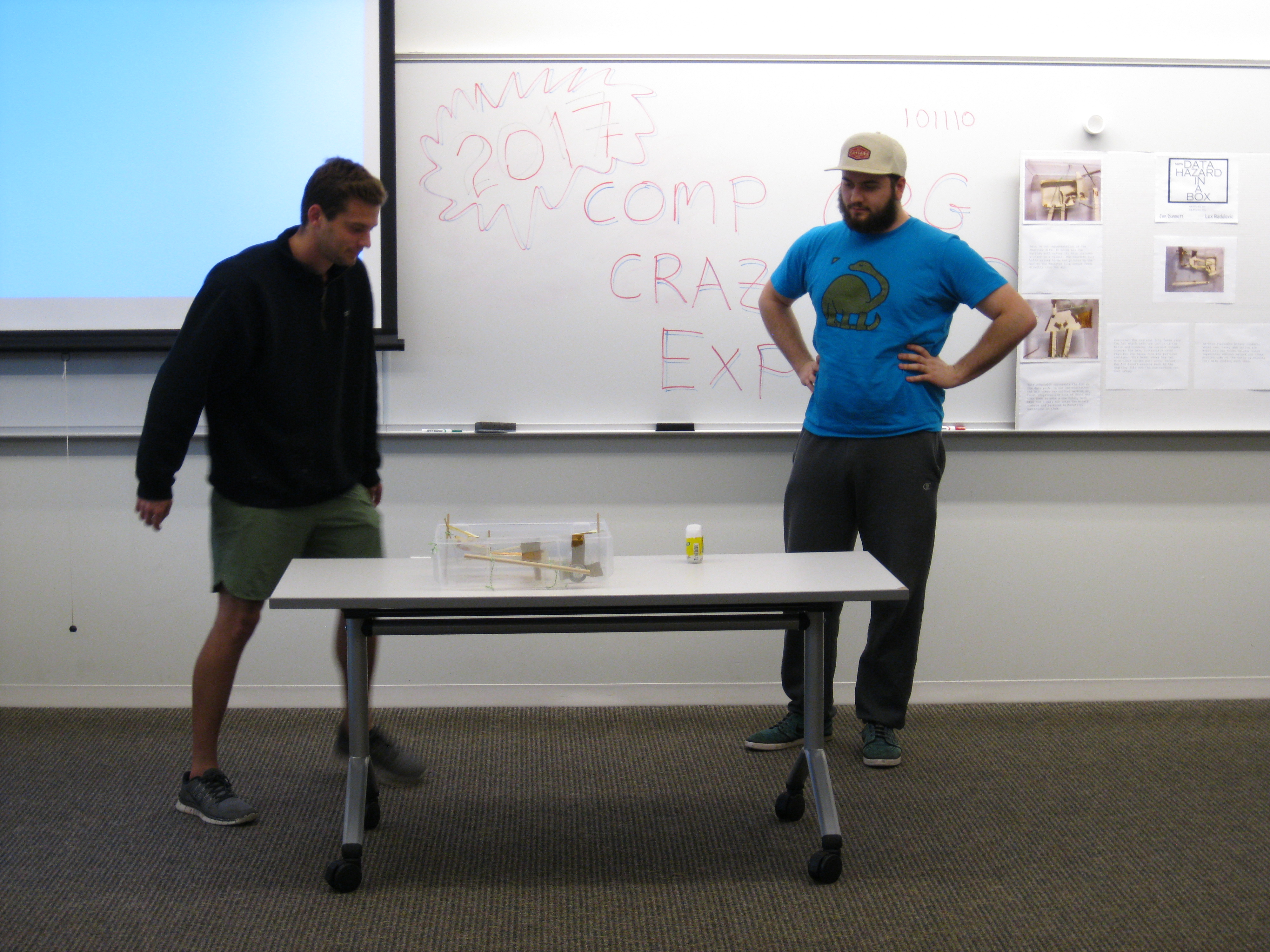
- Jon and Lex excited about their contraption.
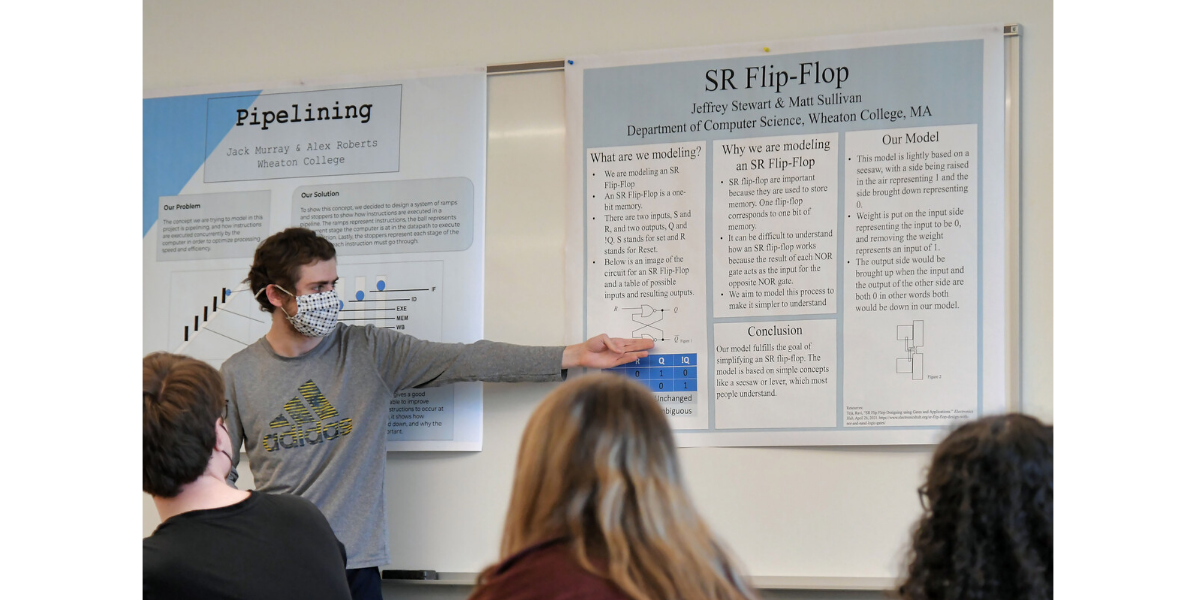
- Jeffrey explaining his flip-flop poster.
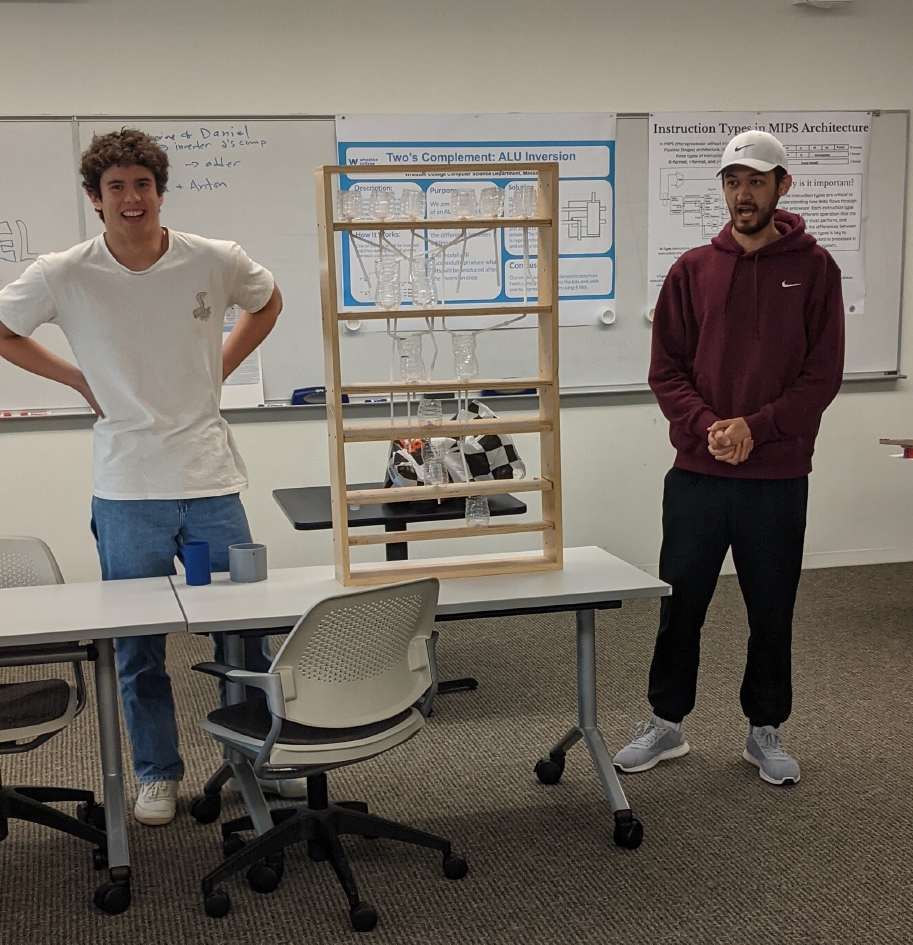
- Sayed and Anton showing a ripple adder.
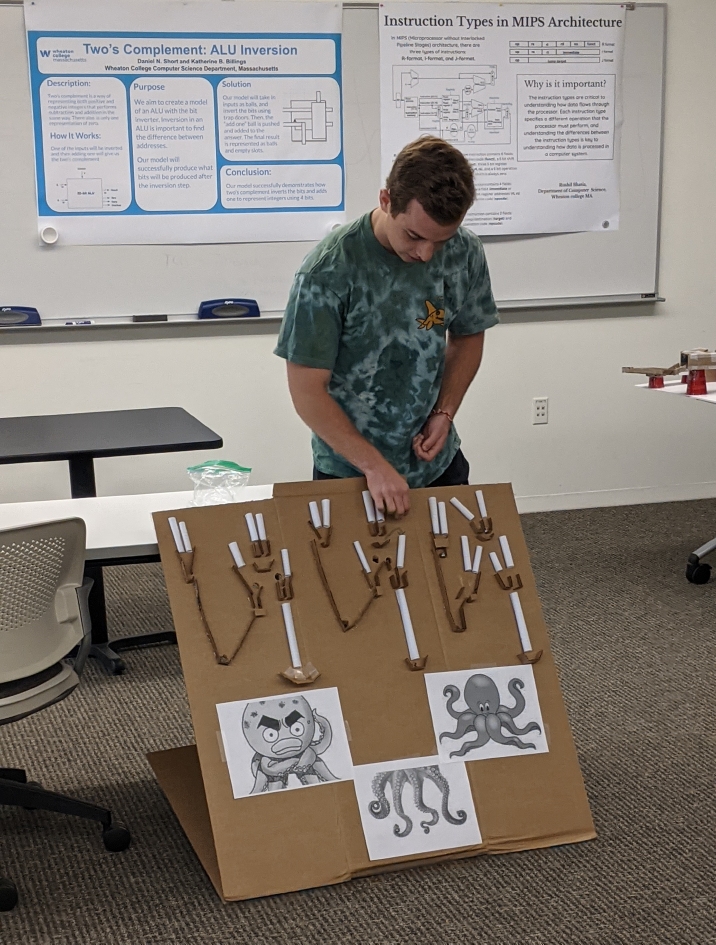
- Ethan explaining how a computer is like an octopus (?).
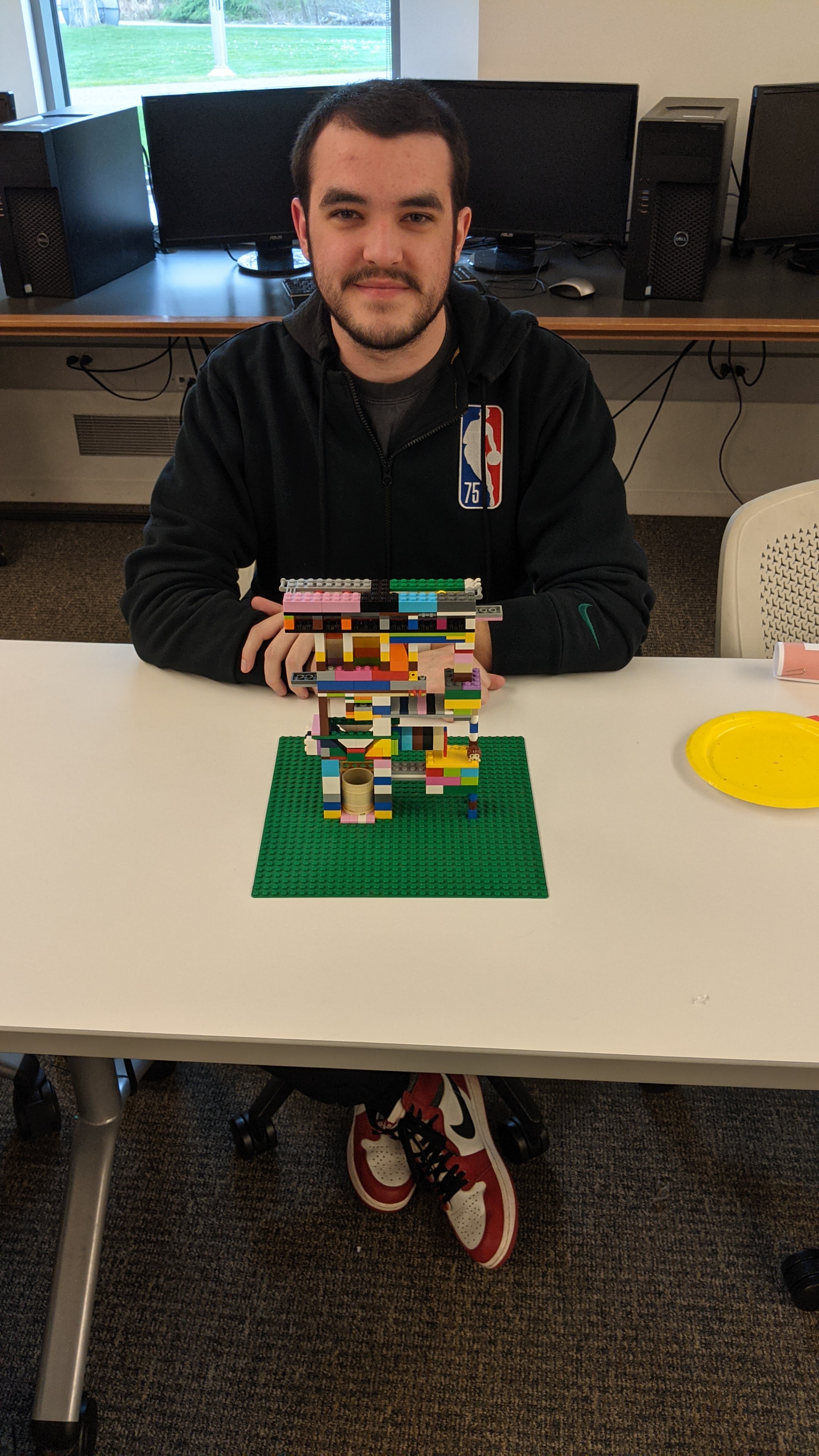
- Colin and his LEGO computer.
Examples/Handouts
Chapter 1 Resources
- Measurements and Units
- Chapter 1 problems
- Eight Great Ideas in Computer Architecture.
- Figure 1.16 (pdf) - clock rate and power over time to 2018 (from text).
- Figure 1.17 (pdf) - processor performance over time to 2018 (from text).
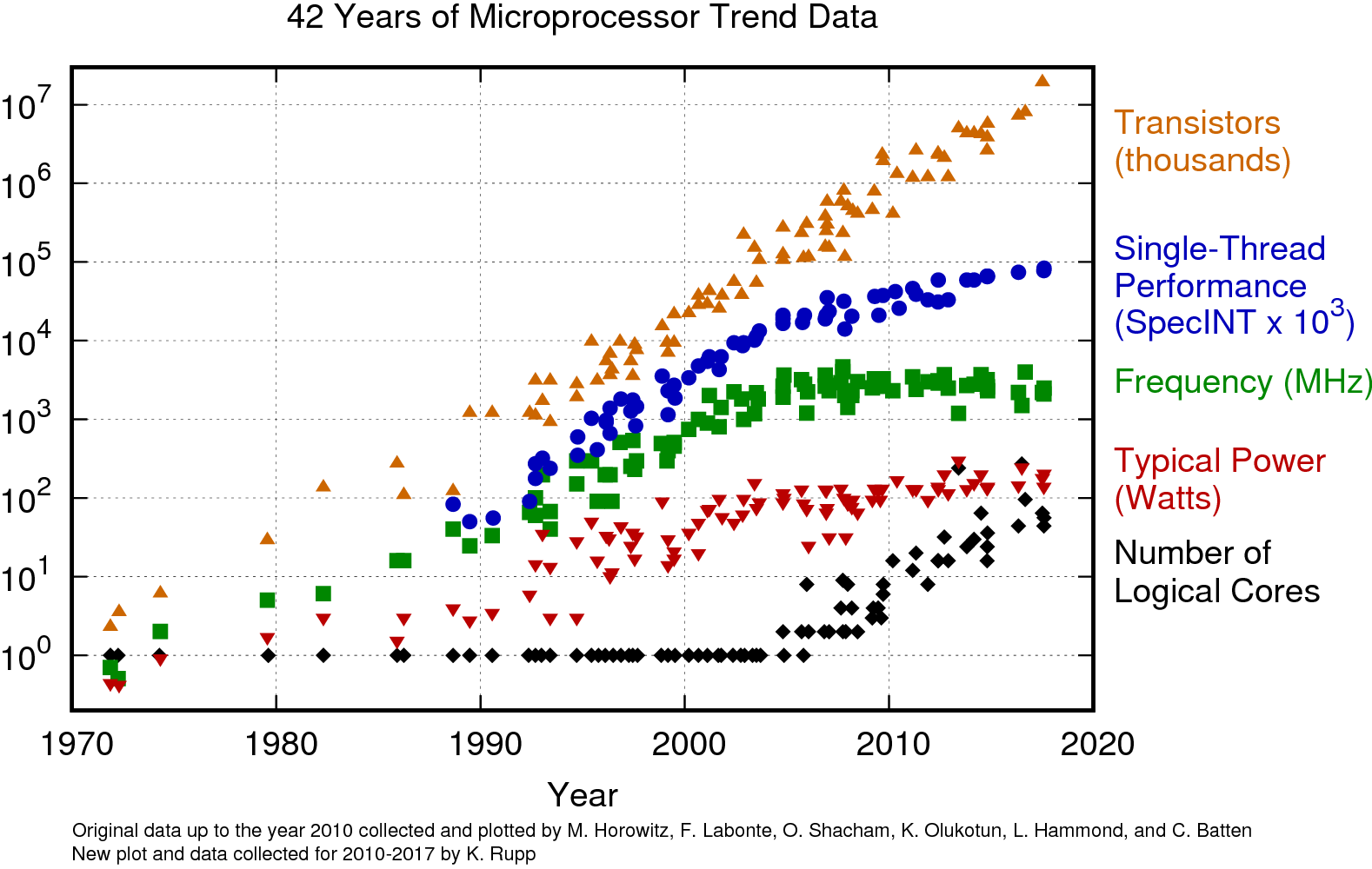
- 42 Year Trend - processor performance over time to 2017.
- Current CPU performance - processor performance on benchmarks. Be careful at what you're looking at!
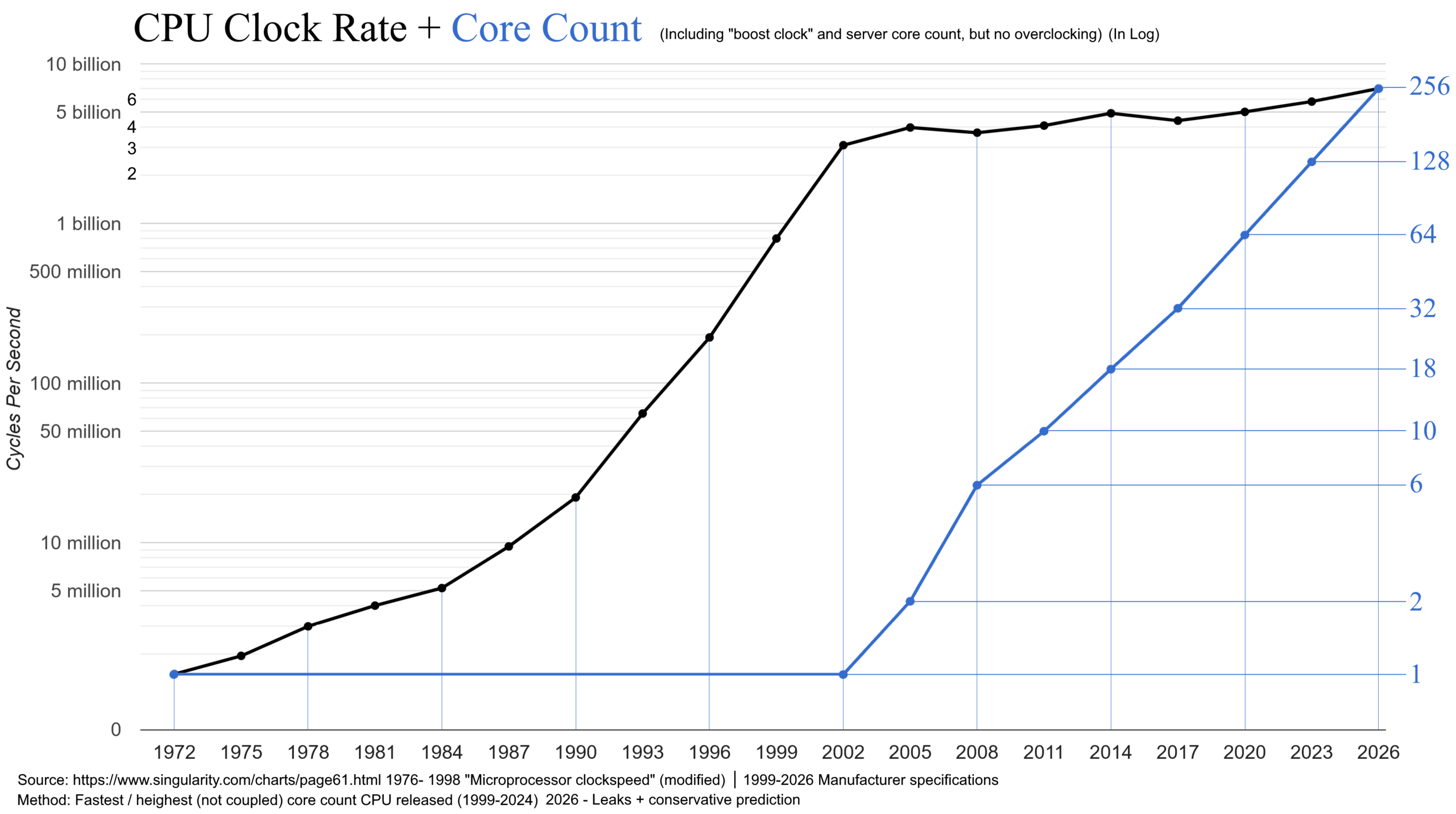
- CPU clock rates and core counts over time.
MIPS Examples
- SPIM Quick Reference
- example1.s - simplest little assembly program.
- handout2.s - some basic math in assembly.
- example2.s - same as the previous, but with comments.
- handout2messy.s - same as above, but with no spacing.
- example3.s - arrays in SPIM (What? Already??).
- List of pseudoinstructions and alternatives.
- example4.s - branches/jumps, version 1.
- example5.s - branches/jumps, version 2.
- example6.s - using branch as a loop.
- example7.s - branching with inequality.
- example8.s - using left and right shifts.
- example9.s - arithmetic with floating point values.
- example10.cpp - sample C++ program containing a short function.
- example10.s - assembly version of example10.cpp using a basic procedure.
- example11.cpp - C++ program that has two functions.
- example11.s - assembly version of example11.cpp that shows the use of frames to store the activation stack.
- MIPS Procedure Conventions - a nice document pilfered from our friends at the University of Washington.
Boolean Algebra
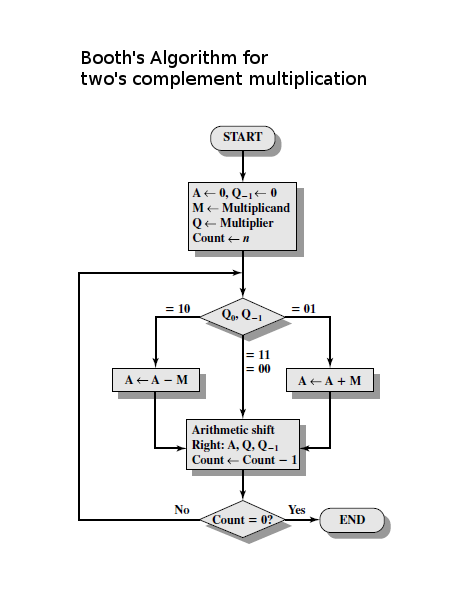
Integer Arithmetic
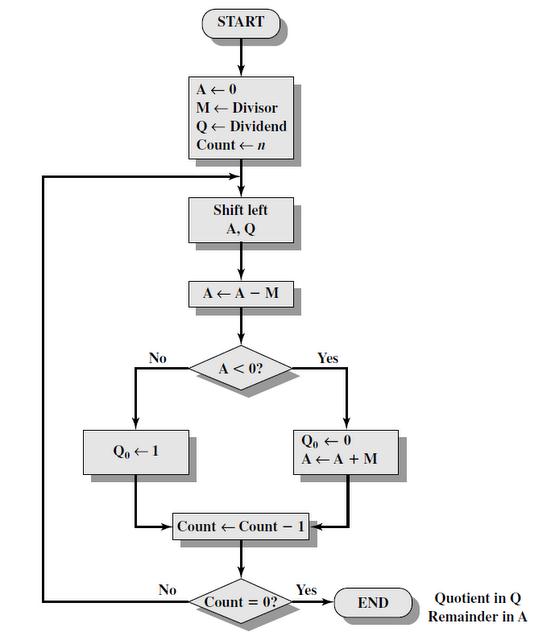
Floating Point Representation
Lab Info
- lab1start.cpp - starting point for Lab 1.
- randomNums4M - download this file - don't try to look at it (it will take forever to load)!
- fileAverage.cpp - example of how to read (and write) a file in C++.
Projects/Homeworks
- MIPS3 - due May 7.
- Homework 5.
- Homework 5 solutions.
- Homework 4.
- Homework 4 solutions.
- Comp Org Crazy Model Expo! Poster templates in PowerPoint: 36x36 and 36x42.
- MIPS2 - due April 9.
- mips2.cpp - ???
- Homework 3.
- Homework 3 solutions.
- Homework 2.
- Homework 2 solutions.
- Homework 1.
- Homework 1 solutions.