
Comp 161 - Web Design (Fall 2026)
Syllabus and Textbook
- Syllabus.
- Canvas page - only useful for some homework submissions.
- Web Style Guide - online version of course textbook, 4th Edition.
- Code Samples from the course textbook HTML & CSS:Design and Build Websites by Duckett.
- w3schools.com - my recommended site for HTML, CSS, and JavaScript reference as well as tutorials for all of the above.
- Tutor: Aaron Stange, Tues/Thurs 5:30-8:30
Projects/Homework
- Project 2 specifications - fun, multi-page website.
- Project 1 specifications - first website project to be uploaded to server.
- hw2.pdf - Homework 2. This will be uploaded to the cs server; there is nothing to hand in.
- hw1.pdf - Homework 1. This requires using the file hw1.zip. Be sure you extract the zip contents, not just view the contents.
Software
We will use several software packages to create web pages and content, and for
uploading files to the department (CS) server. These are all free and platform independent
(meaning they'll work on MacOS and Windows). The software includes:
- Firefox browser. Although not strictly required, you may wish to download this browser so that your experience is consistent with what we do in class. We will be using many developer tools that are not the same across all browsers.
- Phoenix Code - a free, web-based IDE (Integrated Development Environment) for creating web pages. For faster performance, you can download Phoenix Code and install it to run on your computer rather than on the web.
- FileZilla - a free FTP client. FTP refers to file transfer protocol, and is a method for transferring your files from your computer to the CS server. Be sure to download the FileZilla Client!
- Wheaton Secure - instructions on how to access Wheaton's network. This is required in order to transfer files using FileZilla.
- VPN instructions - if you are accessing the cs server from off-campus, for security purposes, you first have to set up a virtual private network (VPN) on your computer. Follow the installation guidelines for your type of computer/operating system. Start the VPN before running FileZilla, and everything should then work normally.
- GIMP - the Gnu Image Manipulation Program is a free version of a Photoshop-like paint program. Download using the link above. This is optional, but can be very useful.
- Provector - free online vector graphics editor. Be sure to export your image to an appropriate file format when you're finished with your design.
Useful Web Pages and Sample Programs
Color
- Some color theory.
- HEX Color Picker - applet to show colors and their numerical equivalents (in hexadecimal). One of many such pages.
- 4096 Color Wheel - choose safe (and unsafe) web colors from 4096 choices.
Fonts
HTML and CSS Examples
HTML
- Weird image.
- Links Are for Kids! - sample page showing links-n-things, including a table.
-
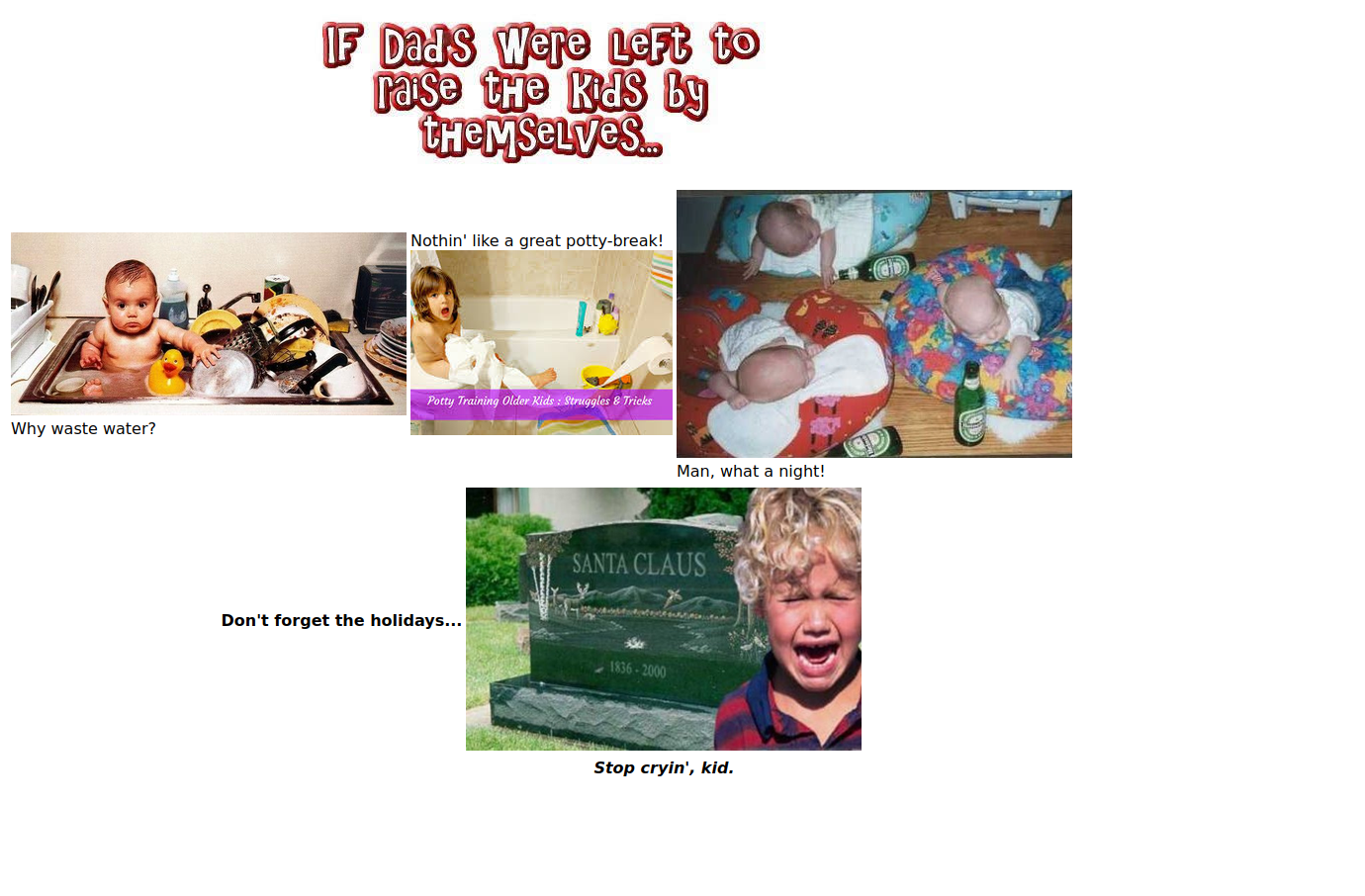
Dads In Charge - screenshot of early in-class page.
Images for the page: - Dads In Charge - completed page using tables.
- Dads In Charge 2 - slightly different version that is HTML5 compliant. There are changes in some of the alignment.
- Red Sox (in ~student/linksAndMore) - shows pages in different folders and an example of relative and absolute links.
- showImages.html - shows how to place images and text.
- video.html - basic way to show a video.






CSS
- introCSS.html - first CSS example.
- containersPlain.html - starting point for in-class examples.
- containers1.html - completed in-class example.
- containers2.html - more boxes in CSS.
- fonts.html - using fonts.
- fontAttr.html - some font attributes.
- alignmentStart.html - starting point for text and box alignment.
- layoutStart.html - starting point for basic layout.
Web Page Design Examples
Sample AI Page
Day One Examples
- Zinc Bistro & Bar
- Firefly Gastropub
- Cibo Matto
- Burtons Grill & Bar
-
And this one:
Alta Restaurant and Wine Bar
Jason's List
- The Salty Pig - sadly, same as all the rest now...
- Oracle's Site - where's Java?
- Java - Oh, there it is.
- NY Times T Magazine
- Boston Globe
- boston.com
- npr.org
Claudia Fieo's List
Mike's List
- "Pretty" vs. functional. It's all about content.
- Kingston Village.
- alice.org.
- Margaritaville.
- Art=Work - responsive design.
- craigslist.
- Dr Pepper - nectar of the gods.
- MA RMV - oh, oh. A government website.
- Turkey Ministry of Health - oh, oh. Another government website.
- Dell's diagnostic tool - ahh, no wonder...
- lillypereira - a designer.
- Furlined - a production company.
- qz - Quartz Magazine.
- The CIA.
- The other CIA.
- The other, other CIA.
- Poptropica.
- Warhol Foundation.
- Louvre.
- ecamm - e-commerce site for a company started by two Wheaton grads (Ken & Glen Aspeslagh, Class of 2000 ).
- Boston Red Sox.
- Or how about the NY Yankees?
- Amazon.com.
- ebay.com.
A Smattering of Student Suggestions
- last.fm.
- Glitterfy.
- D&D 5e - an example of a wiki page.
- Best Sandwich Shop - a lot of effort put into this local shop's page. bunch of friends - where do you find these sites??
- goodreads - a bit surprising.
- Ling's Cars - the place to lease a car (if you're in the UK)!
- Pacific Northwest X-Ray Inc. - I thought this was in the way-back machine, but check out the copyright date at the bottom...
Image Formats

Photographic image in JPEG/JPG format |
|

Photographic image in GIF format |
|

Small portion of JPG image |

Small portion of GIF image |

JPG line image |

GIF line image |

Zoomed JPG line image |

Zoomed GIF line image |

PNG with transparency |

Plain ol' JPG |

WEBP format - 36KiB |

JPG format - 69KiB |

SVG format shown at a width of 100 pixels |
SVG format shown at a width of 400 pixels |