Comp 365 - Computer Graphics (Spring 2021)
Introductory Information and Textbook Resources
- Syllabus
- Google Meet Synchronous Classes
- Google Meet links to drop-in hours
Send me email if you plan to attend a session - Computer Graphics Through OpenGL - the textbook web site.
- Getting started with OpenGL - right from OpenGL.org.
- The Algorithmic Beauty of Plants by Prusinkiewicz and Lindenmayer (2004 from original 1990 Springer-Verlag edition).
Linux Resources
-
 Linux cheat-sheet - Linux sheet given out in class.
-
Linux Survival - online Linux tutorial. Quick-n-easy!
-
Linux Tutorial
-
Linux is NOT Windows (Pretty old, but still worth a look)
Videos
- Week 1
1. Feb 3 - Introduction; NO VIDEO - Week 2
2. Feb 8 - Basic OpenGL
3. Feb 10 - Menus, Text, and Mouse - Week 3
4. Feb 15 - Windows & Viewports; Ouch, my Spline!
5. Feb 17 - Higher Order Splines - Week 4
6. Feb 22 - 3D Basics
7. Feb 24 - Modelview Transformations - Week 5
8. Mar 1 - CTM and Matrix Stack
9. Mar 3 - Animation; 3D Transformations I - Week 6
10. Mar 8 - Fractals I and Bracketed L-Systems
11. Mar 10 - Break Day. - Week 7
12. Mar 15 - 3D Viewing
13. Mar 17 - Midterm Exam. - Week 8
14. Mar 22 - Parallel and Perspective Projections
15. Mar 24 - Quaternions - Week 9
16. Mar 29 - Triangulation and Orientation
17. Mar 31 - Modeling - Week 10
18. Apr 5 - Lighting
19. Apr 7 - Surface/Vertex Normals - Week 11
20. Apr 12 - Textures
21. Apr 14 - HW3 Discussion; Multiple Textures - Week 12
22. Apr 19 - Texture Practice; Intro to Ray Tracing
23. Apr 21 - Ray Tracing - Week 13
24. Apr 26 - Bresenham's Algorithm
25. Apr 28 - Bresenham's Circle Algorithm - Week 14
26. May 3 - Scanline Algorithm
27. May 5 - Visibility Algorithms
Projects and Homeworks
- G6 specifications
-
G5 specifications
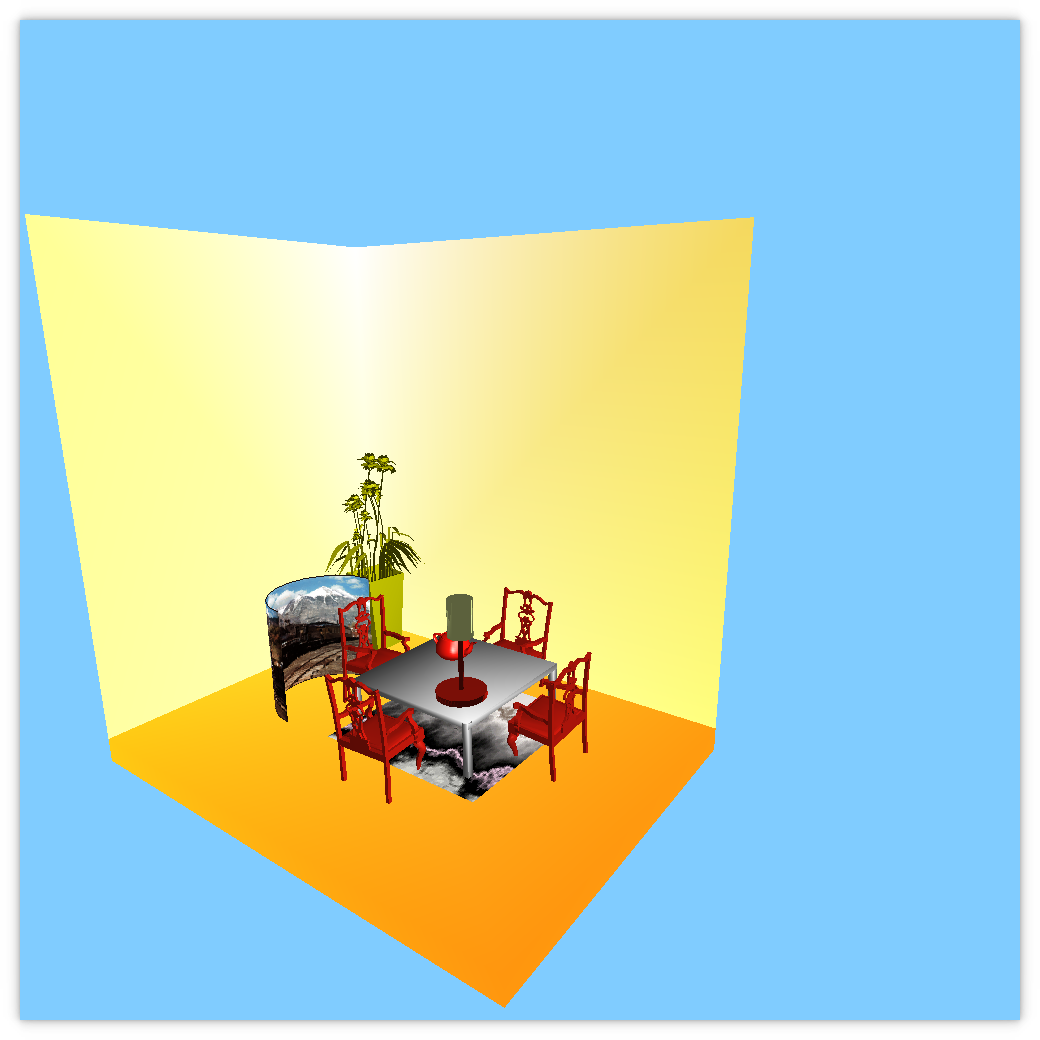
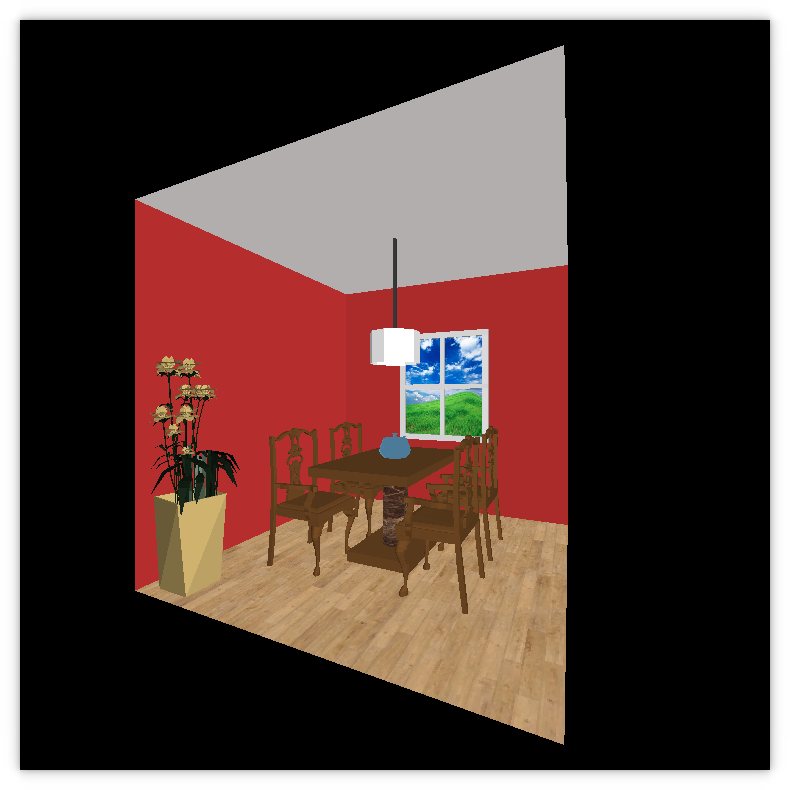
Here are some previous G5 samples. Note the project did not have the same specifications. Also note that this output may not be completely correct (e.g., the teapot in #2 is not lit properly).
Old sample output 1 (PNG)
Old sample output 2 (PNG) -
HW3.pdf
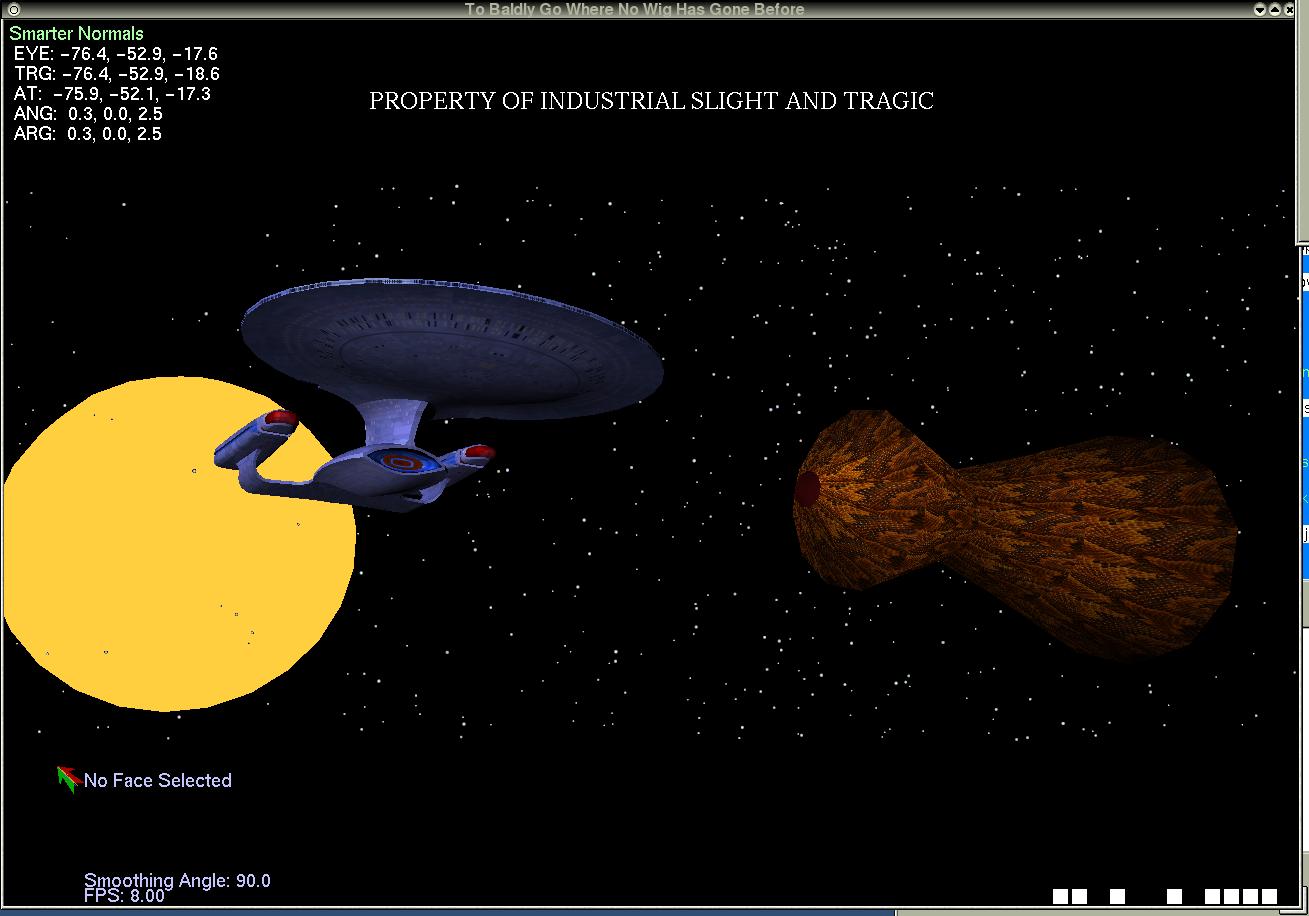
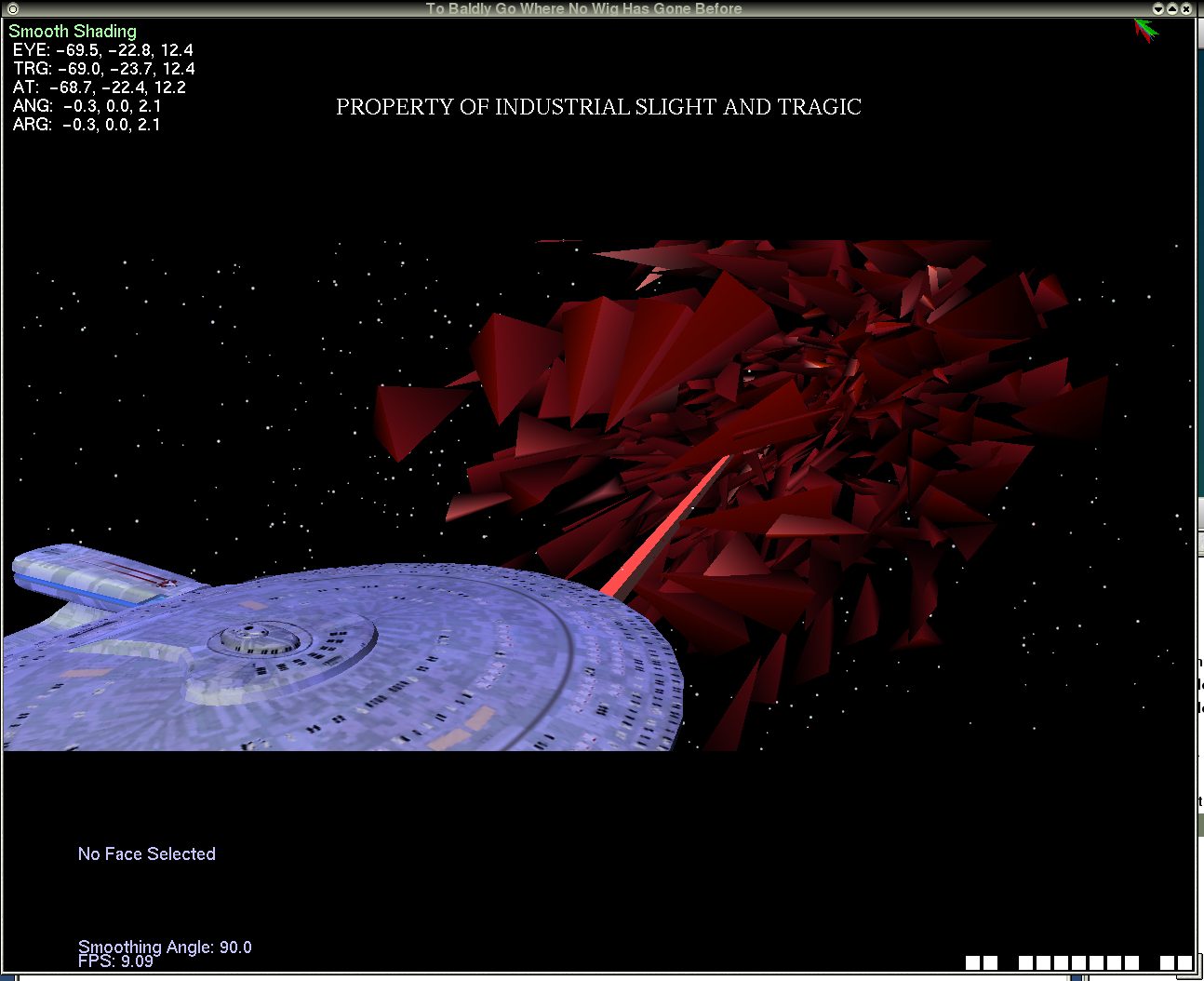
ncc1701.data.gz - Enterprise model vertex data for use in Homework 3. -
G4 specifications
Boids pseudocode - G3 specifications
- HW2.pdf
-
G2 specifications
g2input.txt - sample input file. - G1 specifications
Handouts/In-Class Examples
- Makefile - sample Makefile; add any source code file names to this.
- helloclass.cpp - first practice program that draws a couple of simple polygons.
- helloOOP.cpp - even smaller program, similar to helloclass.cpp, but using OOP.
- circle.cpp - program showing how to draw circles with OpenGL.
- colorFun.cpp - messin' with RGB.
- text.cpp - program that shows some text output options. You'll also need tkmap.c. Note that tkmap.c is a C program, but the C++ compiler will work fine. You must modify text.cpp so that tkmap.c will be found.
- font.c - more text manipulation. This also needs tkmap.c.
- menu.cpp - teeny program showing the use of an OpenGL pop-up menu.
- mouse.cpp - how to draw points and polylines with the mouse, v1.
- mouse2.cpp - how to draw points and polylines with the mouse, v2. The difference is that all of the points/vertices are stored, allowing the window to be redrawn whenever necessary.
- displayList.cpp - how to draw some polygons using a display list. A display list will be important for some projects.
- windows.cpp - windows/viewports and "viewing box."
- perspect1.cpp - an example in the use of perspective, among other things. See the comments within the program that explain the use of glFrustum() and gluLookAt().
- myanimate.cpp - animation example; also shows use of the Modelview Matrix Stack.
- moveTeapot.cpp - starting code for animating the teapot.
- quaternion.cpp - rotating about an arbitrary radial axis.
- 3D Visualization Help
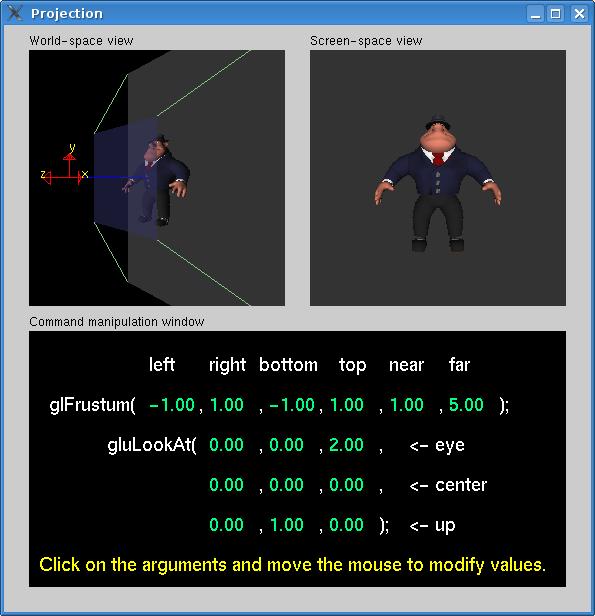
- tutors.tar - contains the programs texture.c and projection.c, the latter which looks like this. The tarball contains all of the files, including a Makefile, to run these programs. The data directory contains obj files for the items without a data link below. It also contains sample ppm files for texture mapping; keep these in a directory called /data.
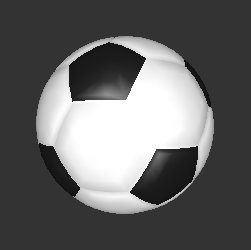
- soccer ball
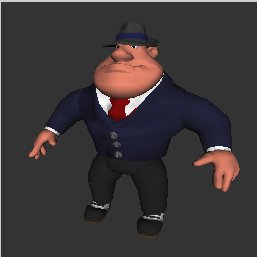
- Al Capone
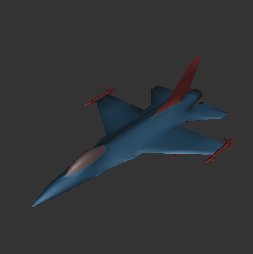
- F-16 fighter jet
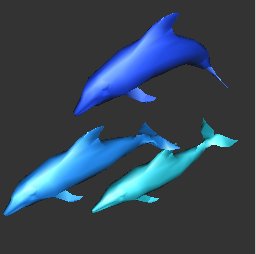
- dolphins
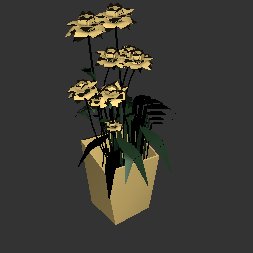
- flowers
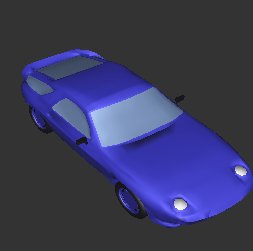
- old porsche (928)
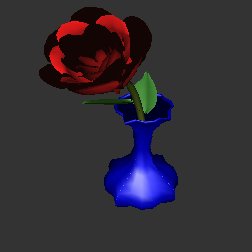
- rose
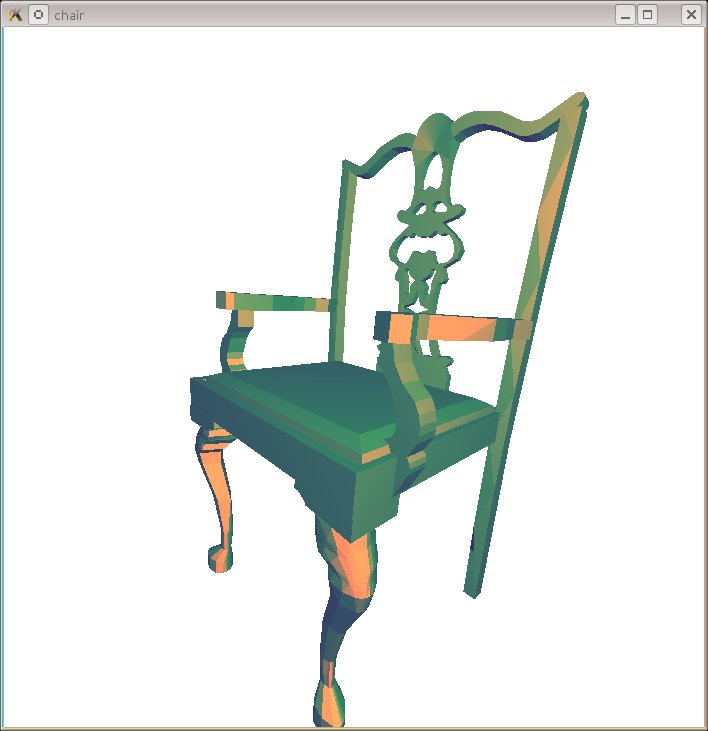
- Chippendale chair: chippchair.obj
- cow.obj
- dragon.obj
- bunny.obj
- mySquare.cpp - enhanced version of square.cpp for use in exploring orientation.
- perspect2.cpp - perspective, depth buffer, and more.
- lighting.cpp - basic Phong lighting model, using the keypad for movement.
- lightMouse.cpp - same as above but with the teapot and using the mouse for movement.
- Brownian motion 1 - animation of Brownian motion from our friends at BU.
- Brownian motion 2 - live demonstration of Brownian motion.
- shadingInit.cpp - setting up lighting model.
- mytexture.cpp - demo program showing the use of OpenGL texture functions.
- CelebDM.ppm - original texture image for above.
- CelebDMud.ppm - same image but flipped in y to match texture space.
- glm.h - header file needed for texture program.
- glm.c - implementation code for above header file.
- stb_image.h - an alternative library for reading image files for texturing.
- Other ppm files:
- multTexture.cpp - same as mytextures.cpp but now with multiple textures.
- Persistence of Vision Raytracer (POV-Ray)
- On Ubuntu Linux, just do: sudo apt-get install povray
- povray.org - POV-Ray home page.
- povray 3.7 - all of the source code for latest stable version of POV-Ray on GitHub.
- POV-Ray for Mac. Use Version 3.7.
- POV-Ray tutorial
Computer Graphics Images
- Fractals:
- Nico's Fractal Machine - good for seeing Koch Curve.
- IFS Fractal Generator - various examples with random angles, including the classic Dragon Curve.
- Mandelbrot Set - classics never get old.
- Minkowski Sausage - yep, that's a thing!
- Sierpinski Triangle - another common fractal.
- Image of Menger Sponge - from American Mathematical Society.
- My own fractal mountain - surface created with techniques discussed in class.
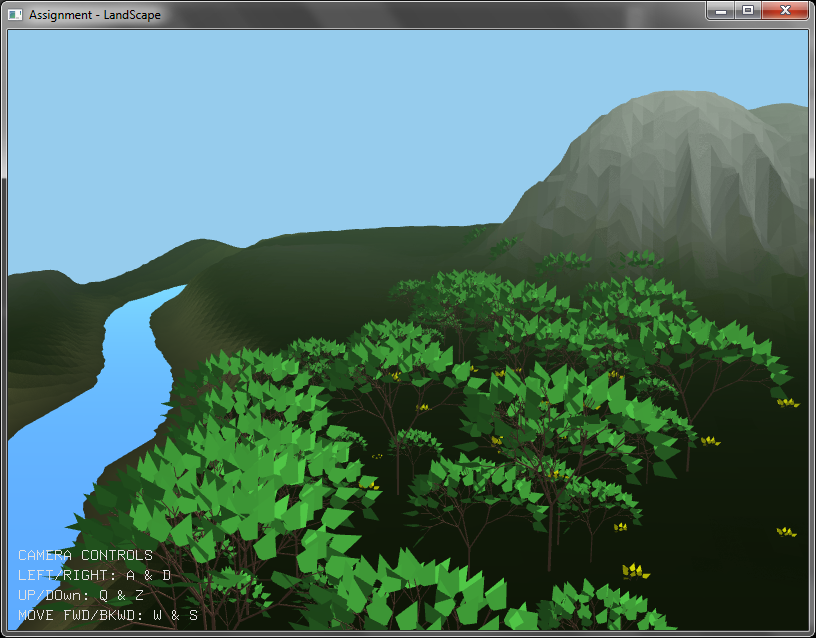
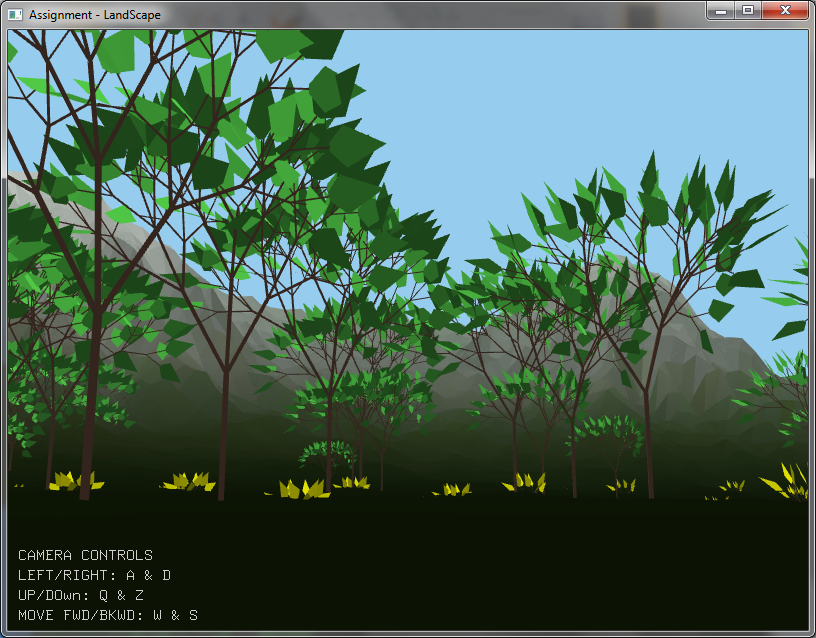
- Fractal Trees - sample of plants made by a Bracketed L-System.
- More Fractal Trees
- Sample images produced using ray-tracing:
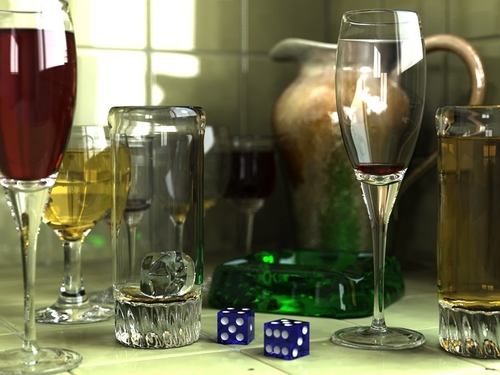
- rayTracing1.jpg - all sorts of glass!
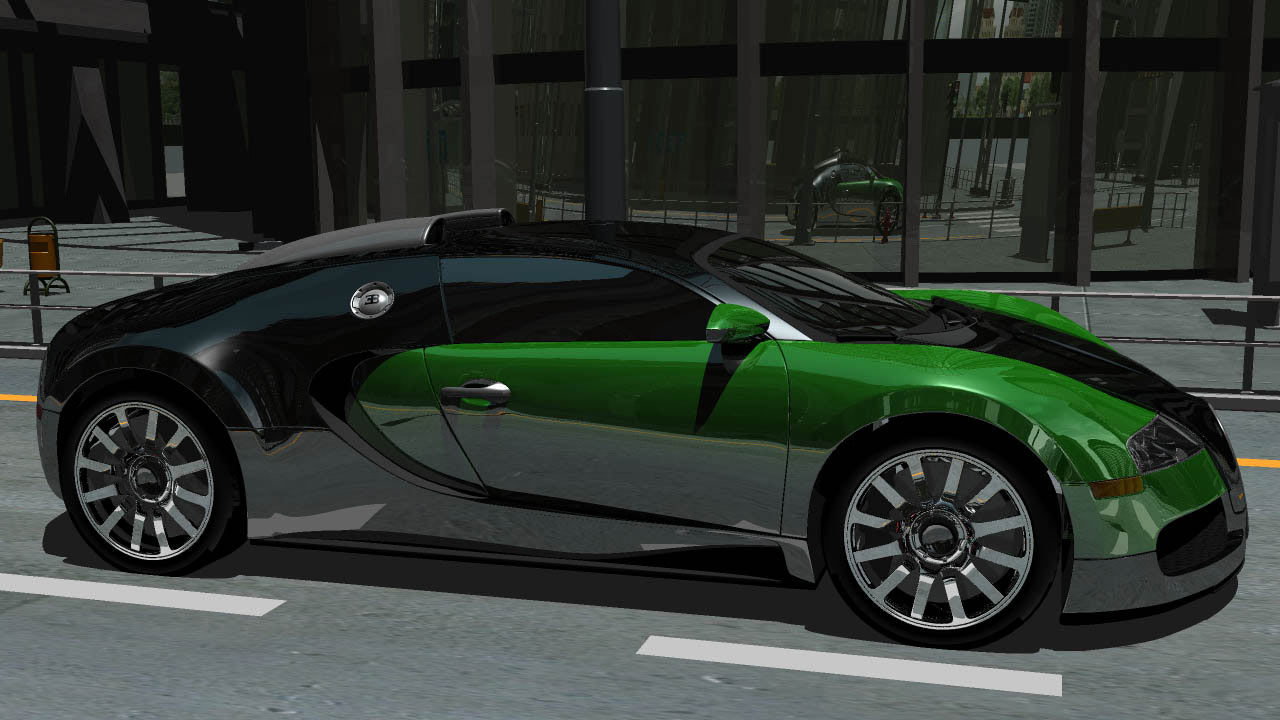
- rayTracing2.jpg - Bugatti Veyron.
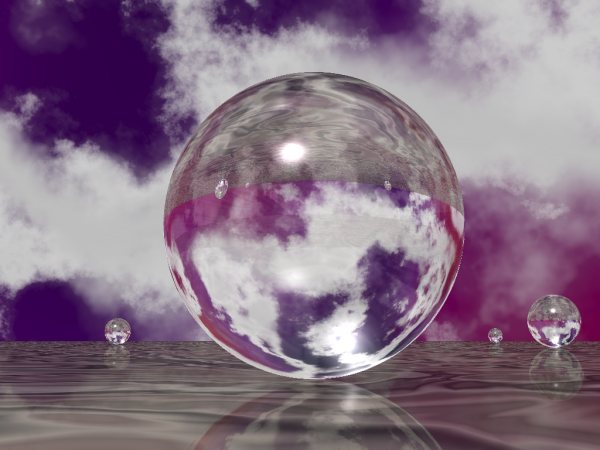
- rayTracing3.jpg - sphere.
- rayTracing4.jpg - teacup.
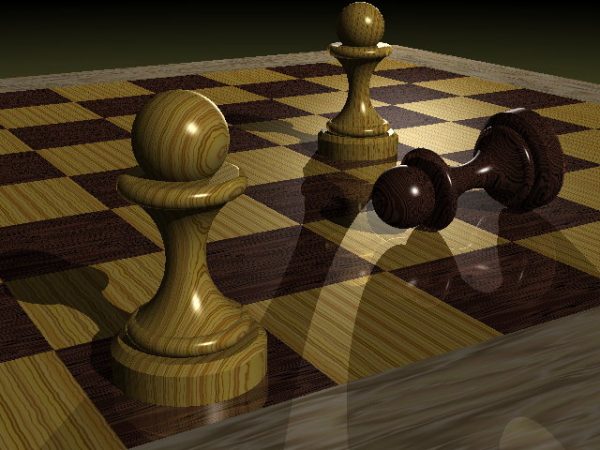
- rayTracing5.jpg - chess pieces.
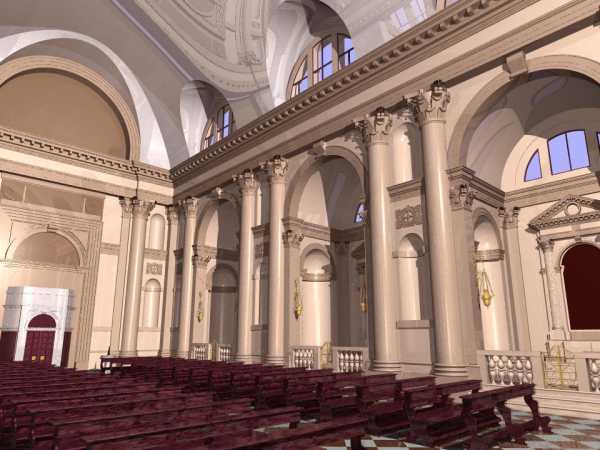
- rayTracing6.jpg - cathedral.
- Sample images produced using radiosity:
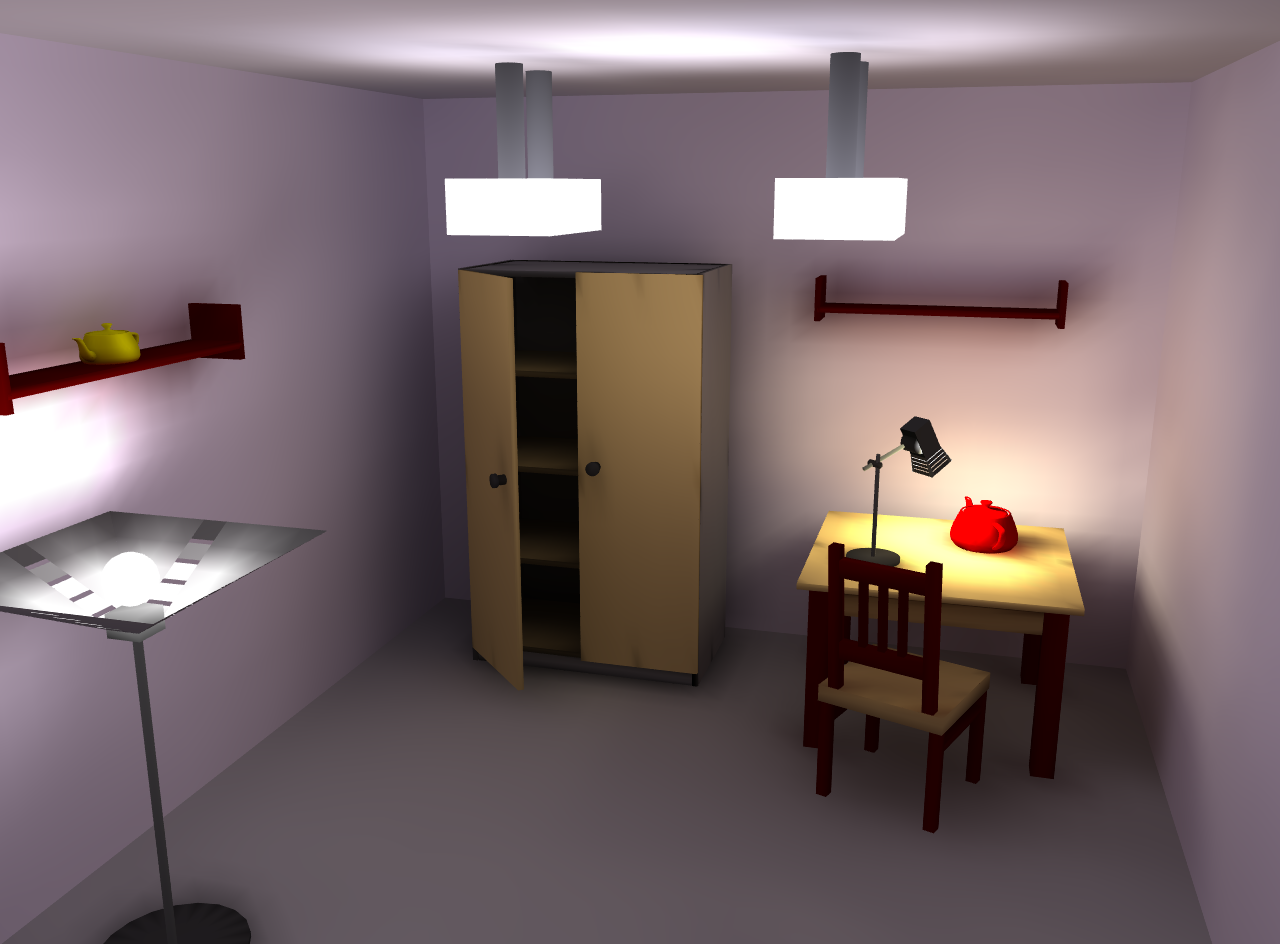
- radiosity1.png - room scene.
- radiosity2.jpg - another room.
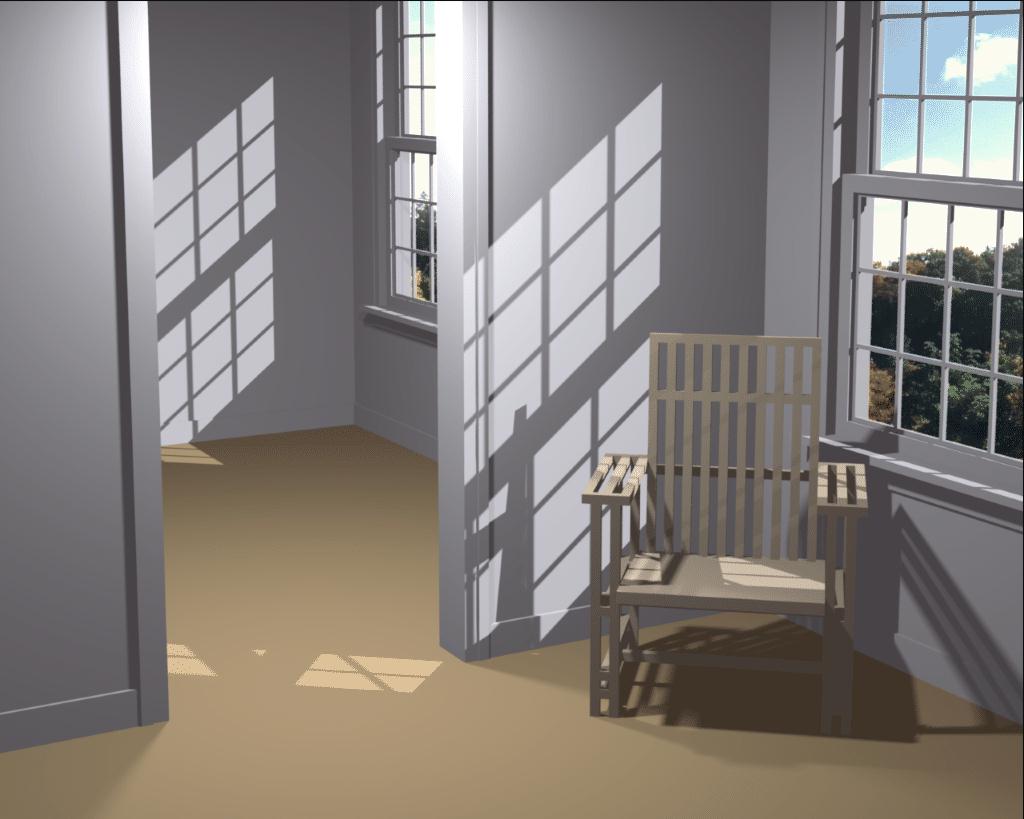
- radiosity3.jpg - chair with slats.
- A couple of student images:
- Basic sample images created by GLUT or GLU functions:
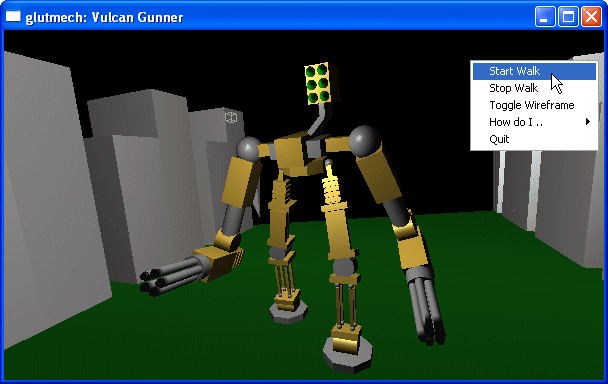
- model 1 - scary robot made from cubes and spheres.
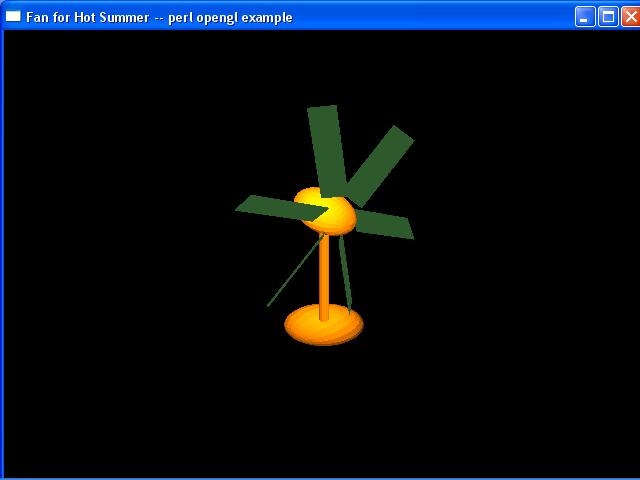
- model 2 - fan made from spheres, cylinder, and cubes.
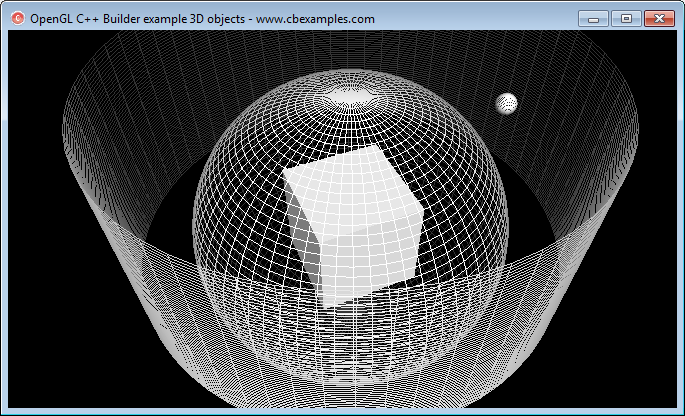
- model 3 - another scene made from the same objects as above.
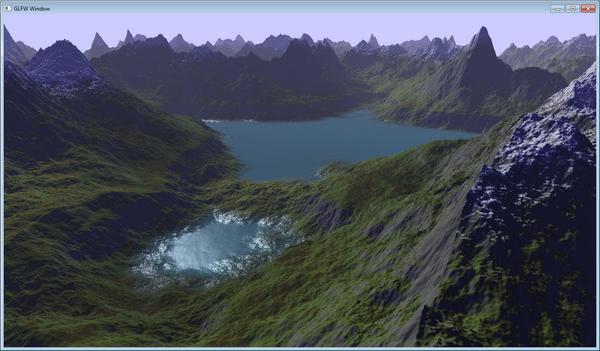
- model 4 - landscape made using fratal techniques and triangulating.
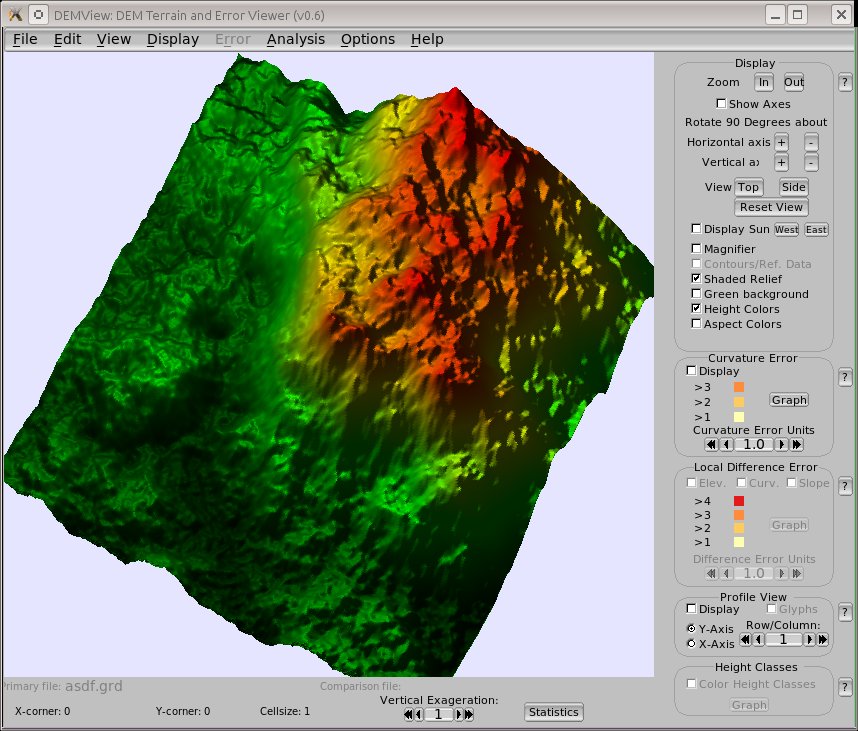
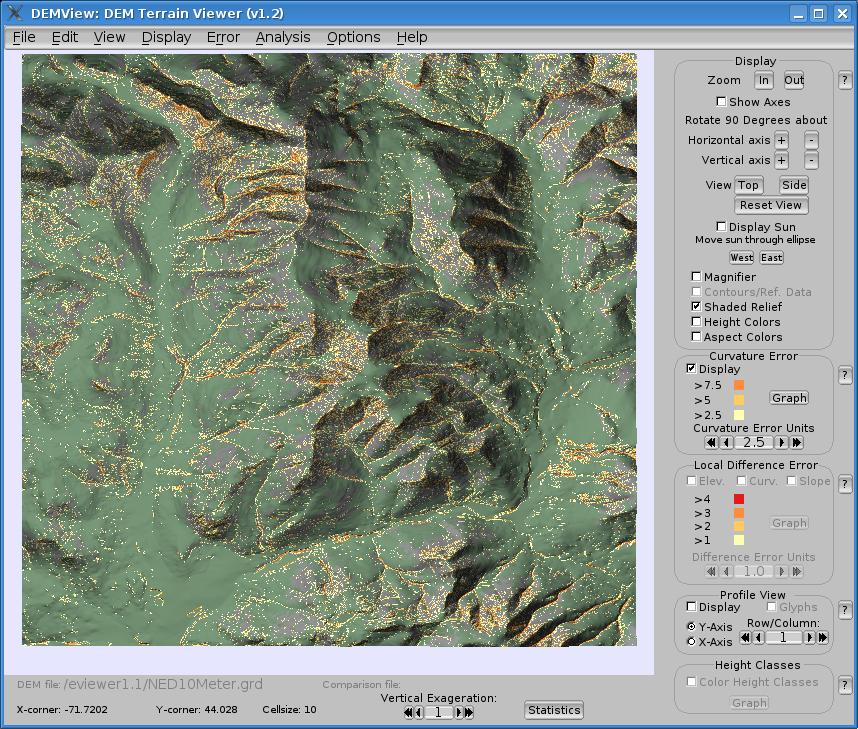
- here's real terrain - surface interpolated from a contour map of the Franconia Range in NH. The bright colors represent higher curvature areas.